 Arbor
Arbor 01
Limited view
Flat video offers a limited perspective, making orientation harder for ground teams.
Shared panoramas
Different roles choose their own viewing direction from the same panoramic data.
Explore the capability
Aviation
One site, viewed remotelyEvery task, traceable
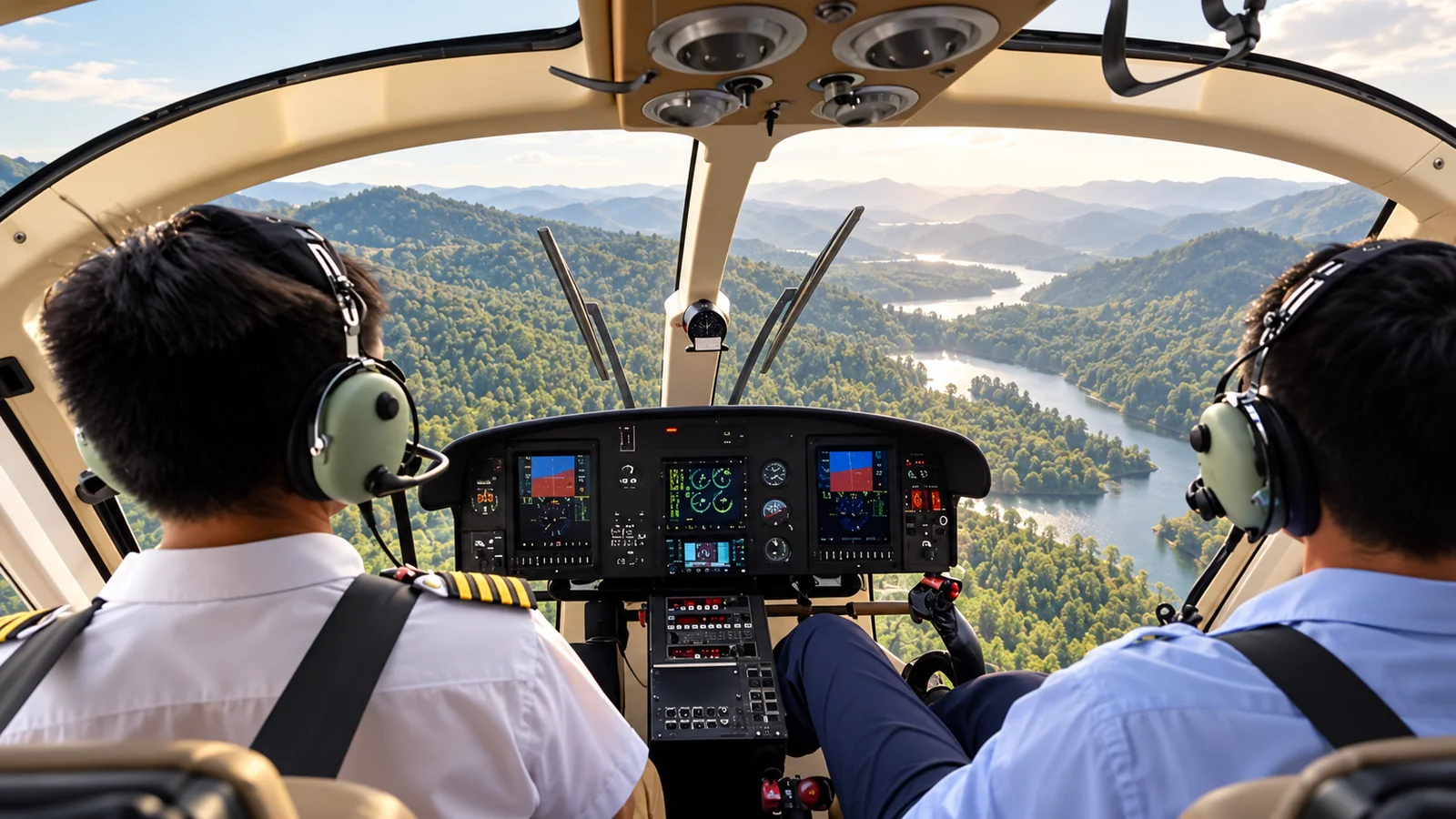
Industry challenges
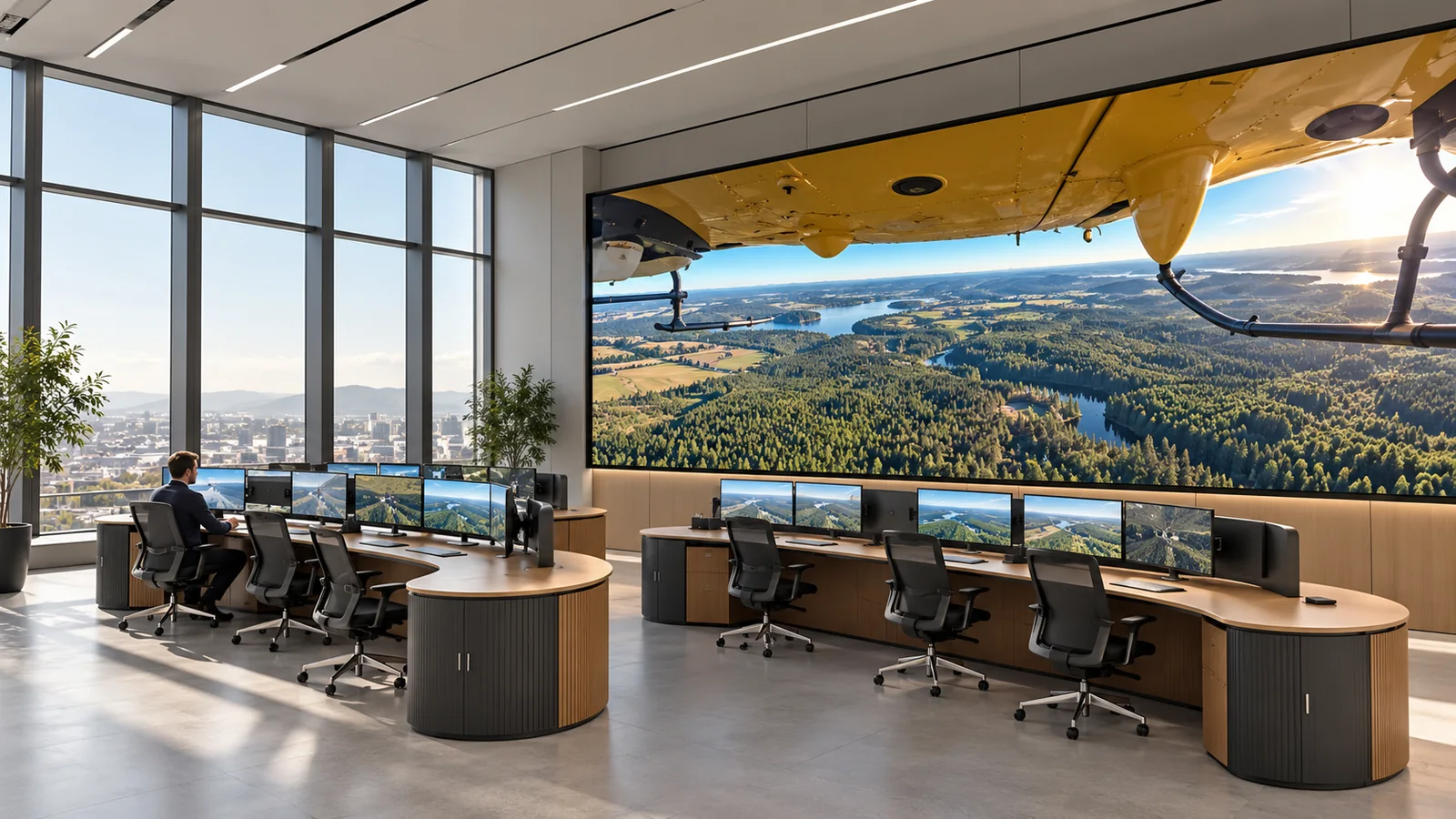
Different locations, shared information
Arbor AI
Devices, live imagery, playback and permissions connect an aviation operation.
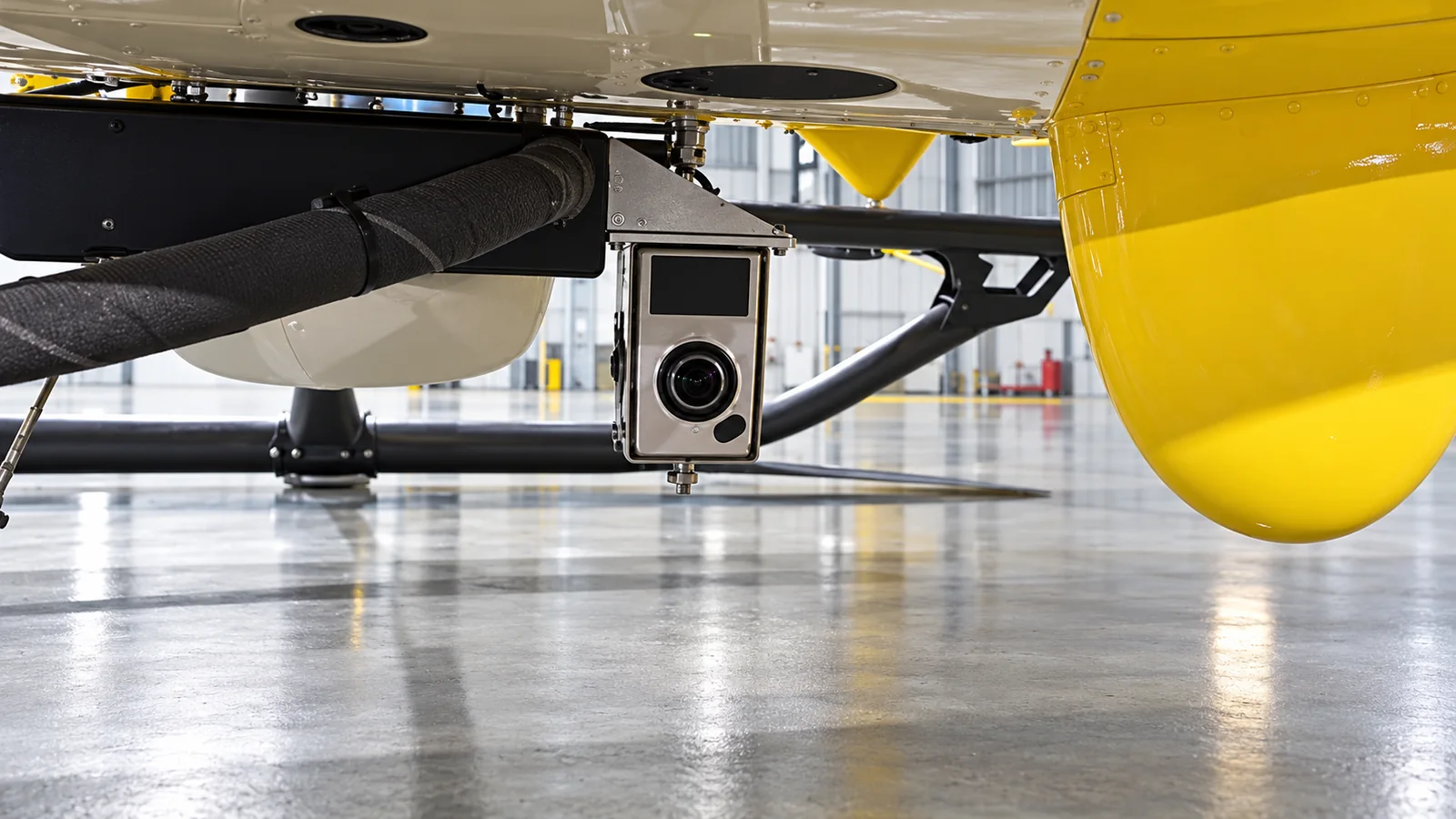
Airborne capture and remote collaboration
Connect airborne panoramas, multisensor gimbals, edge nodes and viewers. Crews and authorized personnel remain responsible for flight.
Application scenarios
Start with a suitable operational scenario
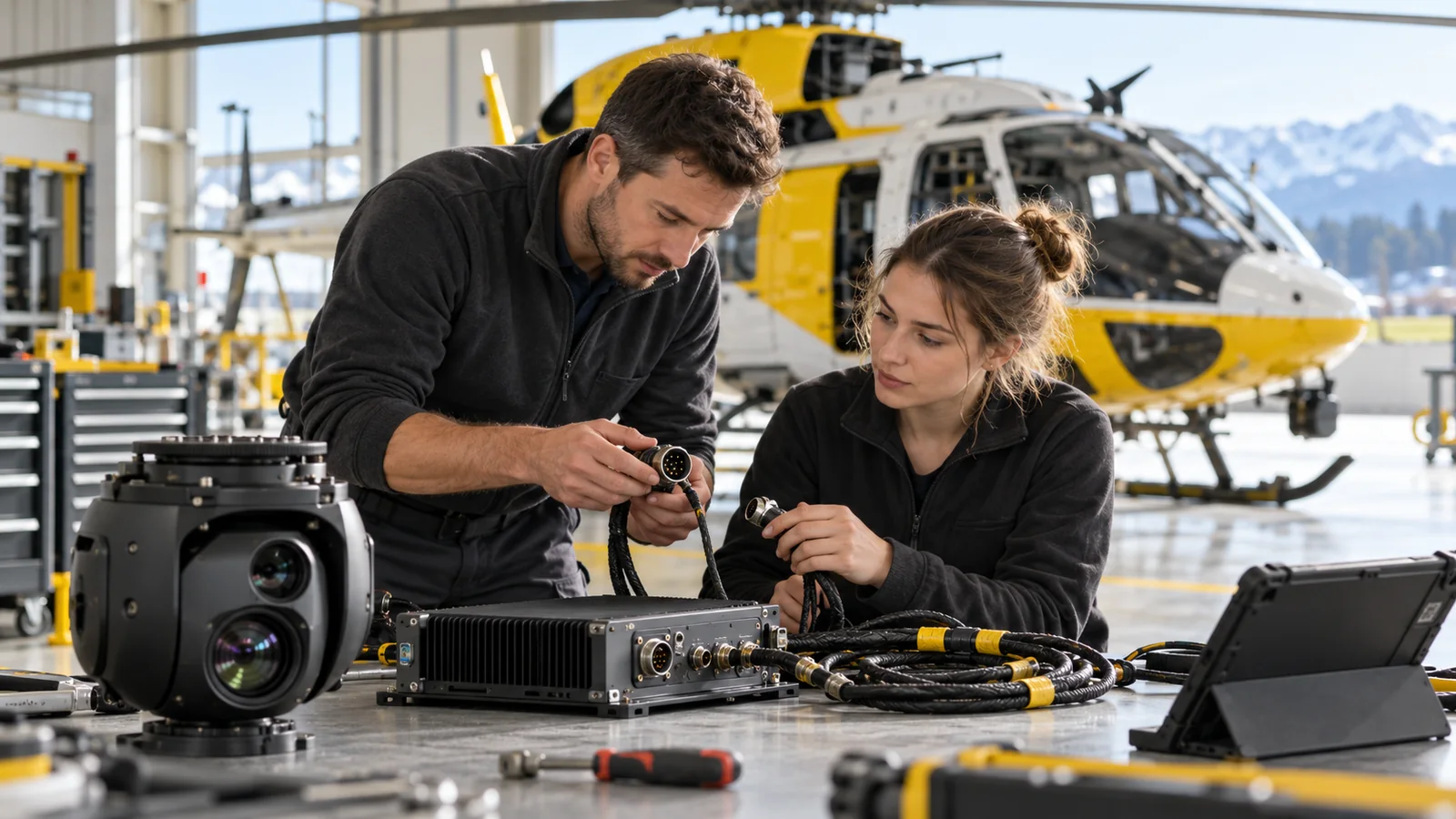
FDE support from planning to operation
Use real tasks to validate capture, transmission, viewing, playback and permissions.
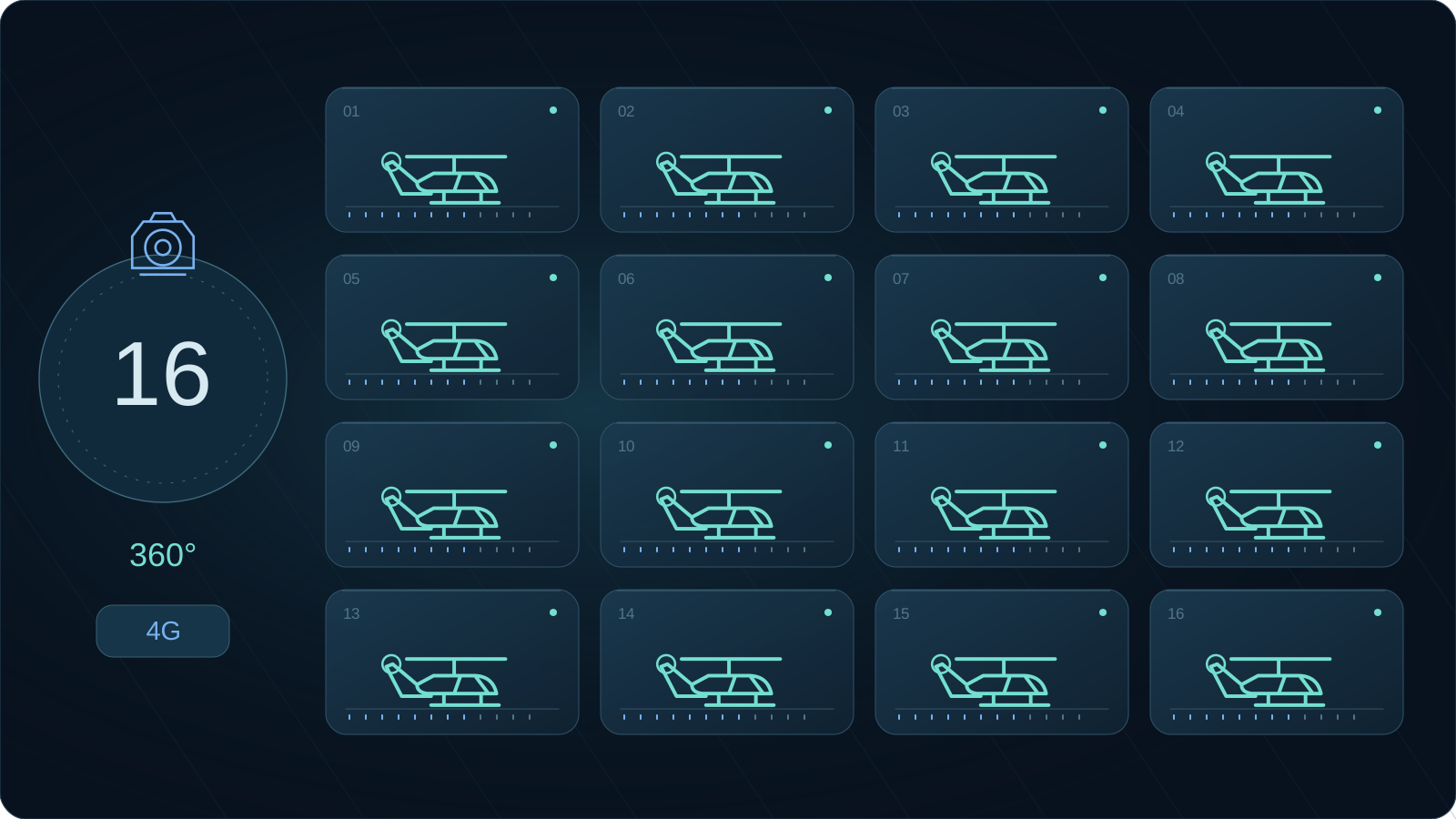
Spanish project
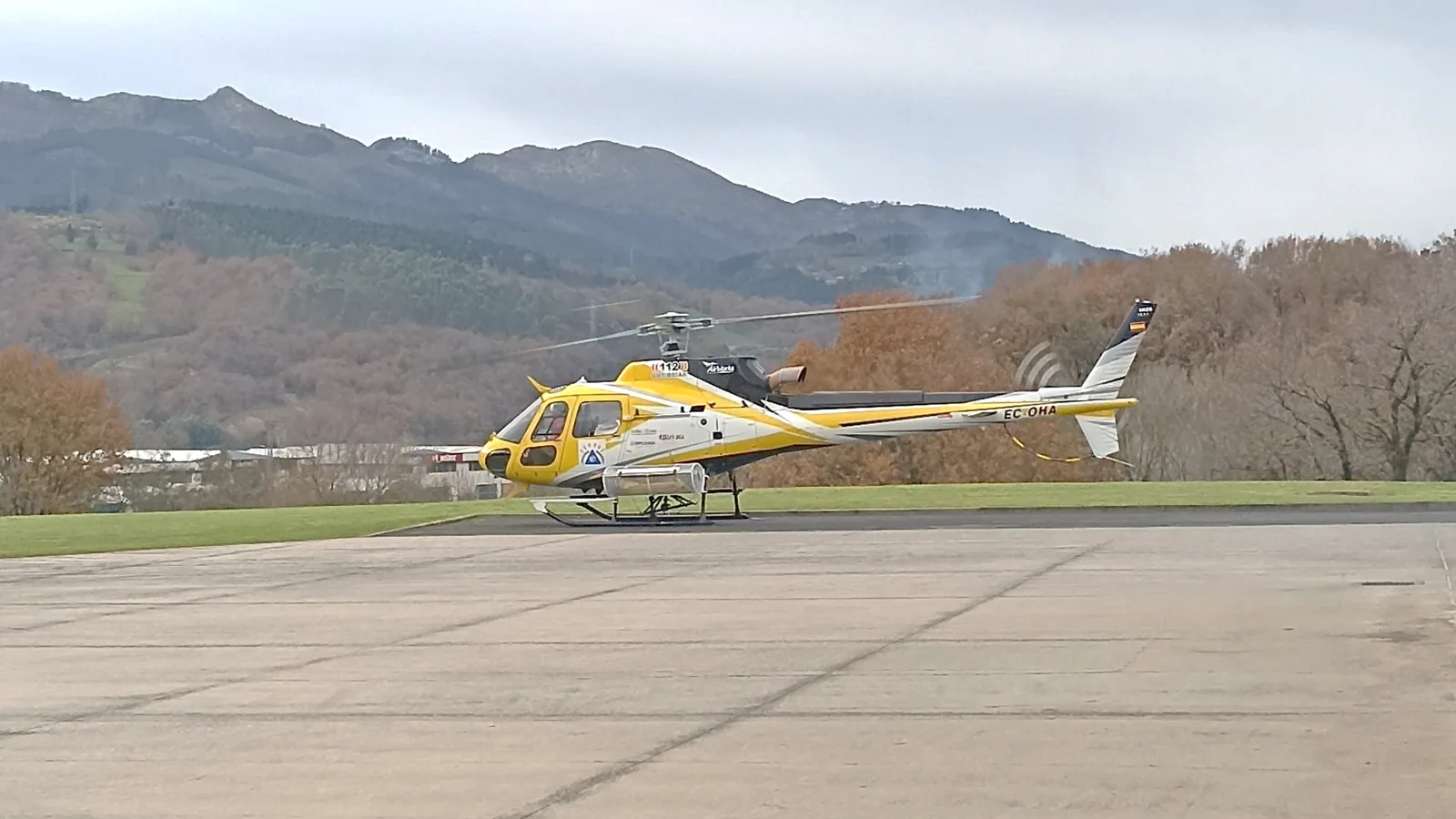
The 2025 proposal describes panoramic real-time audiovisual services for 16 helicopters of a Spanish operator, supporting forest inspection and emergency response.
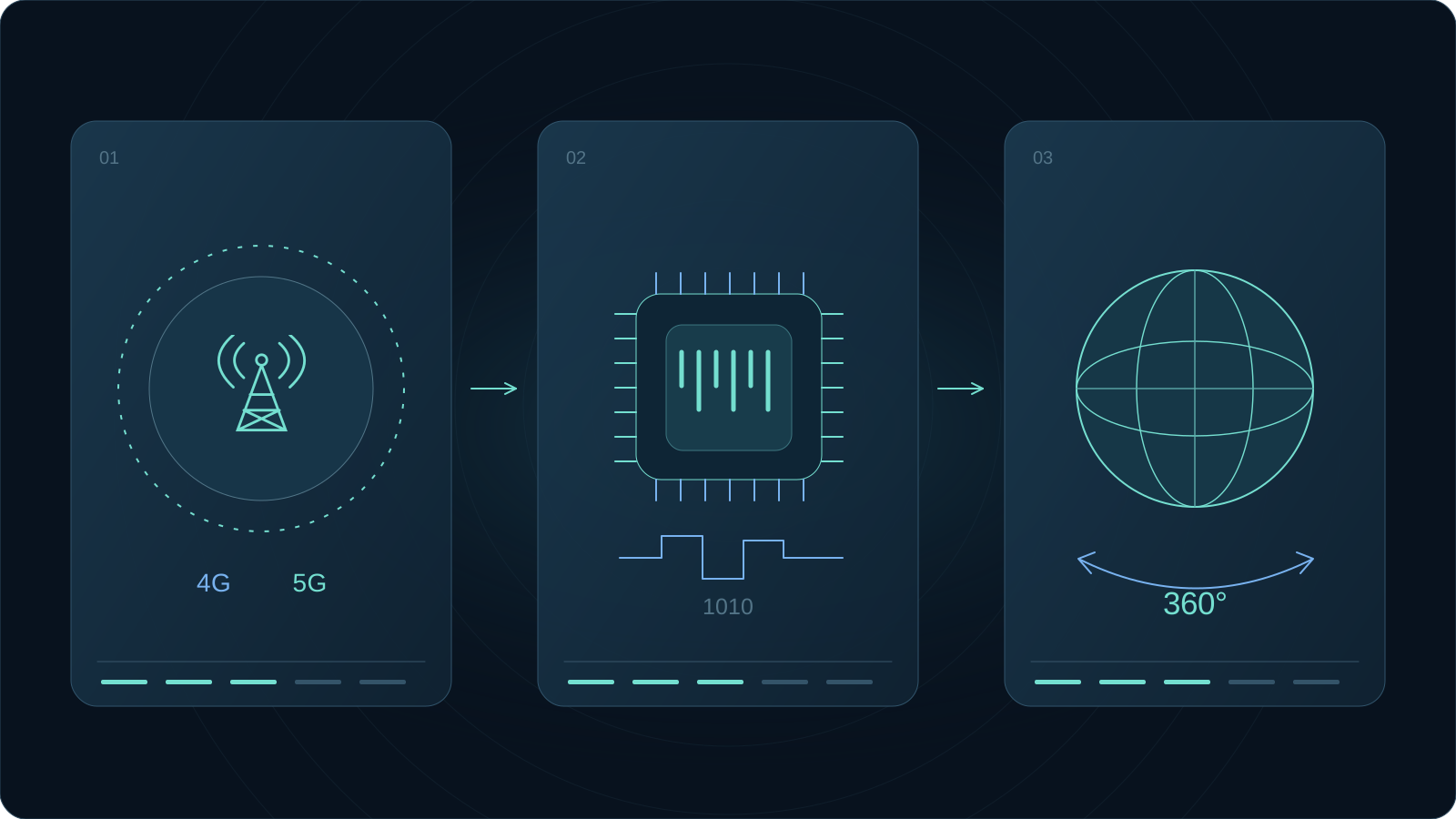
Technology foundation
Parameters come from the original proposal and apply separately. Validate aircraft, network and site conditions; no universal SLA is implied.
Capture once, share widely
360°Ground teams combine live footage and location to understand the view from the air2025 proposal reference; validate per project.
Value assessment
Connect live communication with post-mission review. Help remote teams understand the scene and ground later discussions in recorded evidence.
Industry challenges
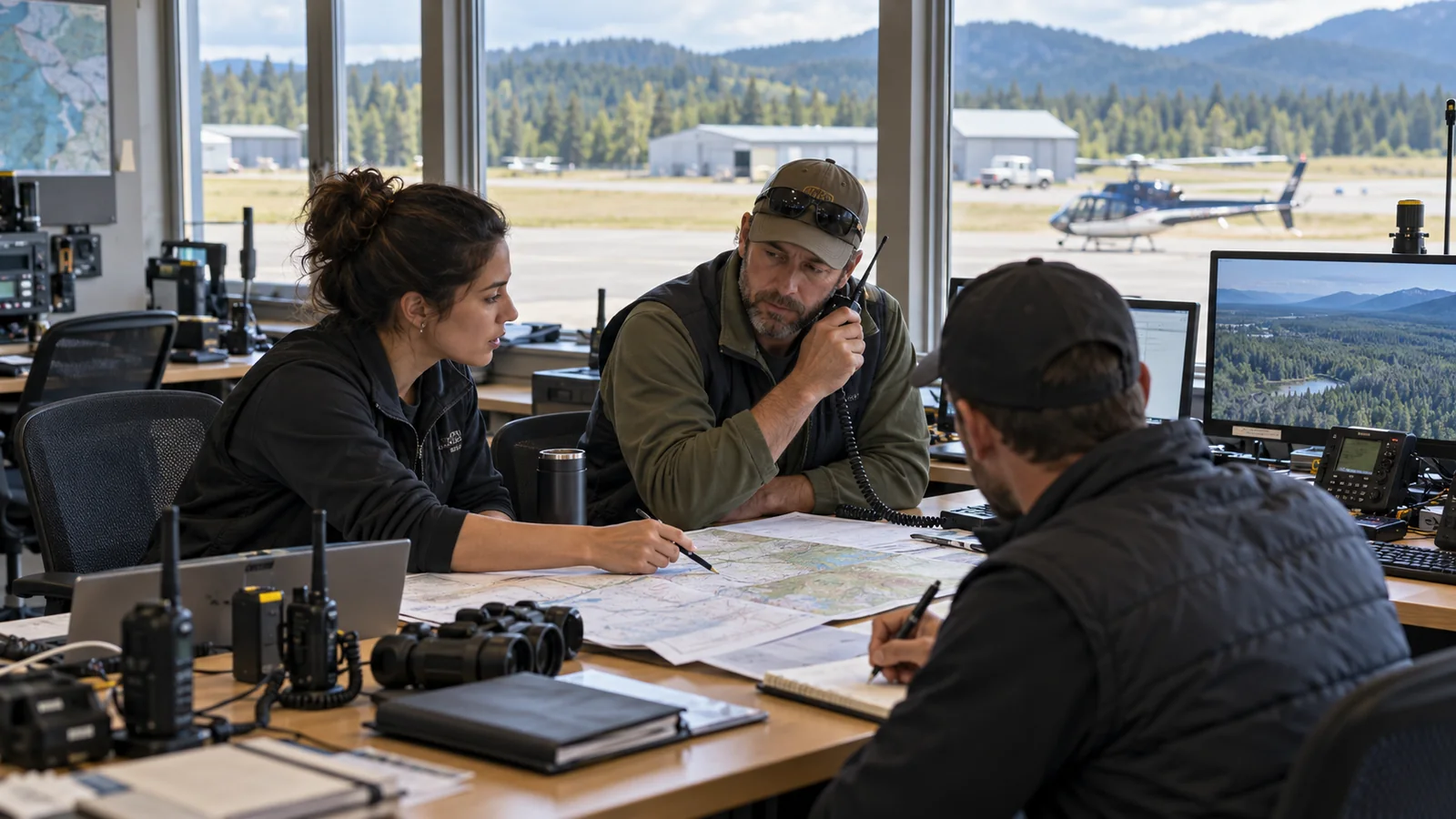
Voice reports alone can leave ground teams without a full picture. Scattered footage and mission records make subsequent retrieval and review harder.
Flat video offers a limited perspective, making orientation harder for ground teams.
Different roles choose their own viewing direction from the same panoramic data.
Explore the capabilityChanging bandwidth, latency and packet loss affect continuous monitoring and collaboration.
Adjust encoding and paths to network conditions, with staff monitoring operation.
Explore the capabilitySeparate video, location and thermal data make retrieval and comparison harder.
Link tasks, imagery and location for authorized viewing and review.
Explore the capabilitySeparate capture for multiple disciplines adds flight and staffing demands.
One capture covers multiple angles for review by different teams.
Explore the capabilityValidate aircraft, payloads, installation, links and functions per project. The system supports viewing and collaboration, not autonomous flight or safety-critical decisions.
Arbor AI
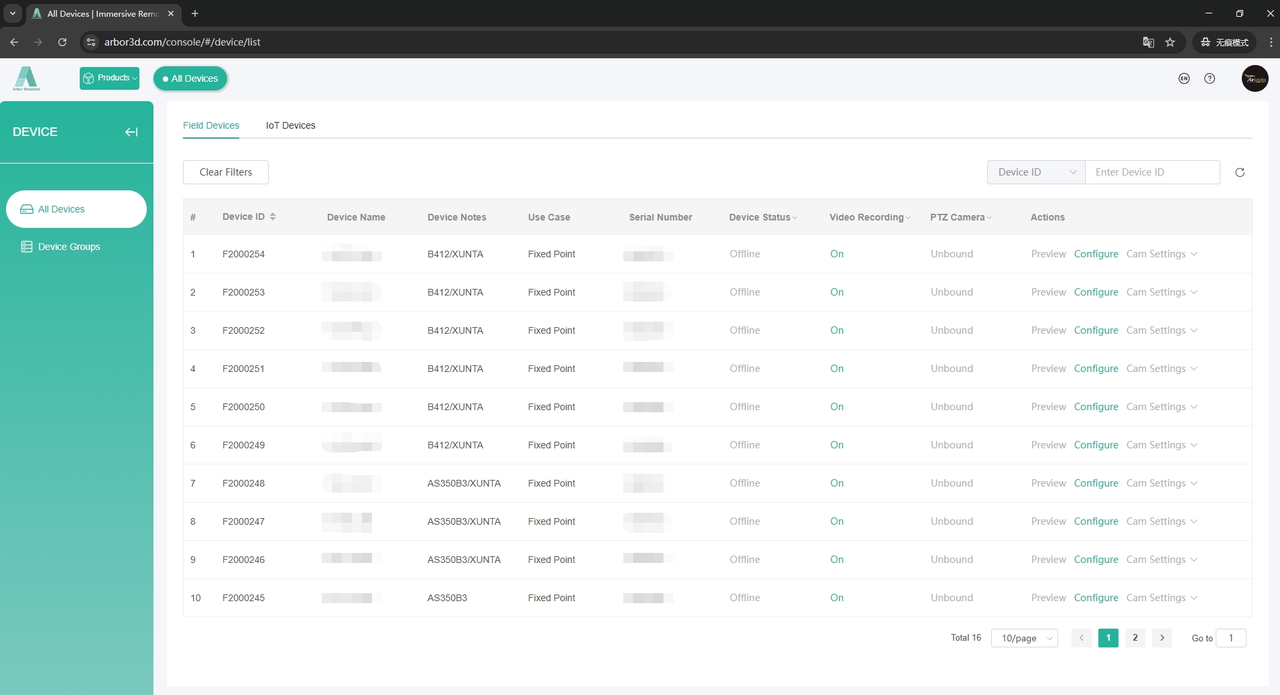
Add, edit and remove devices; monitor status and configure them remotely.
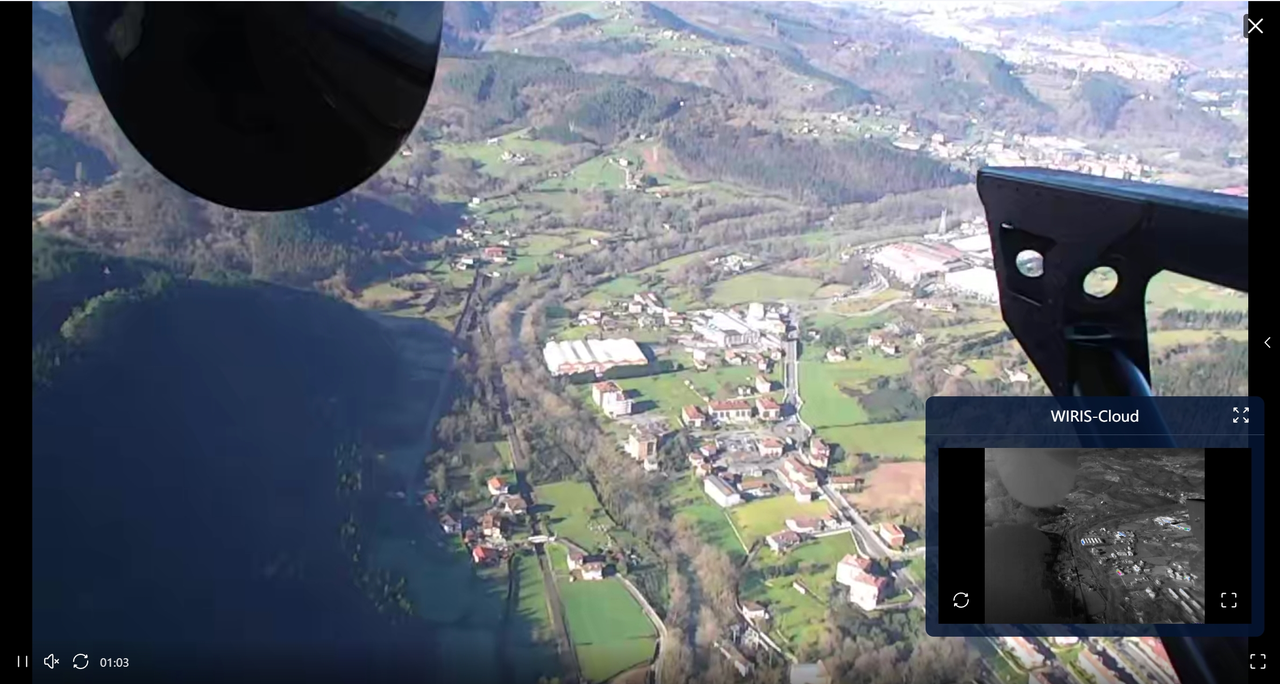
Live panoramic and flat video, multiple views and gimbal control.
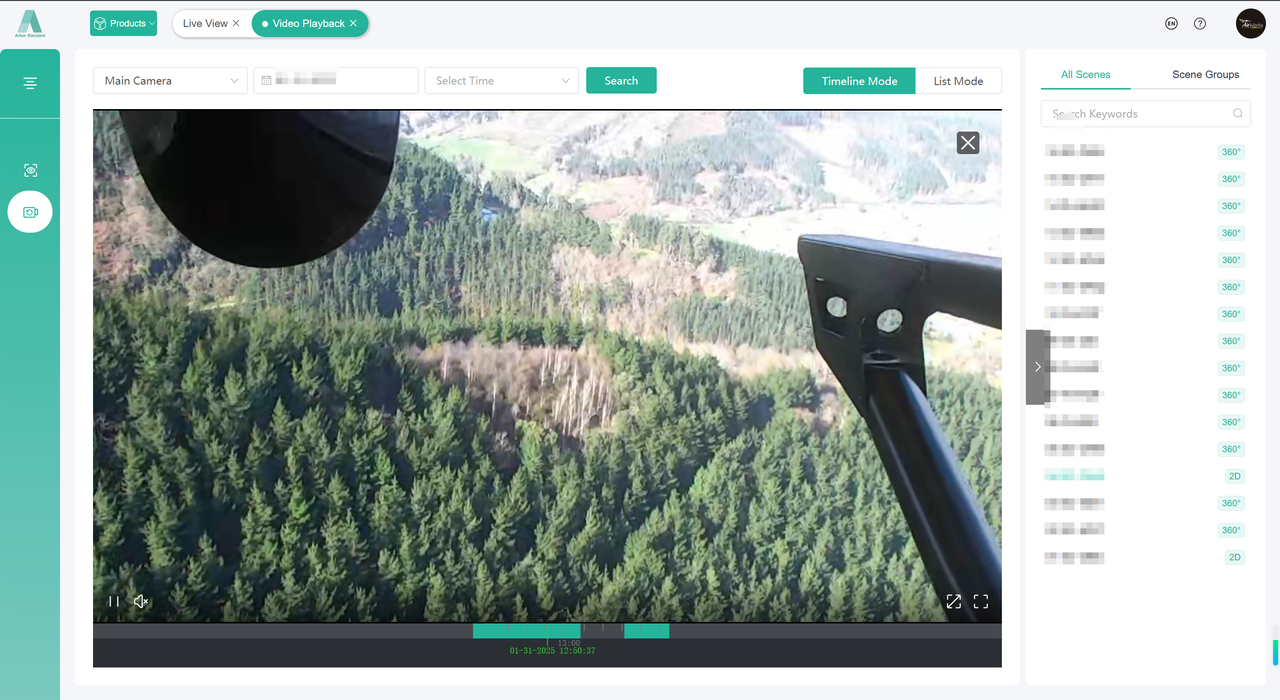
Search by timeline or list, with sharing and recording downloads.
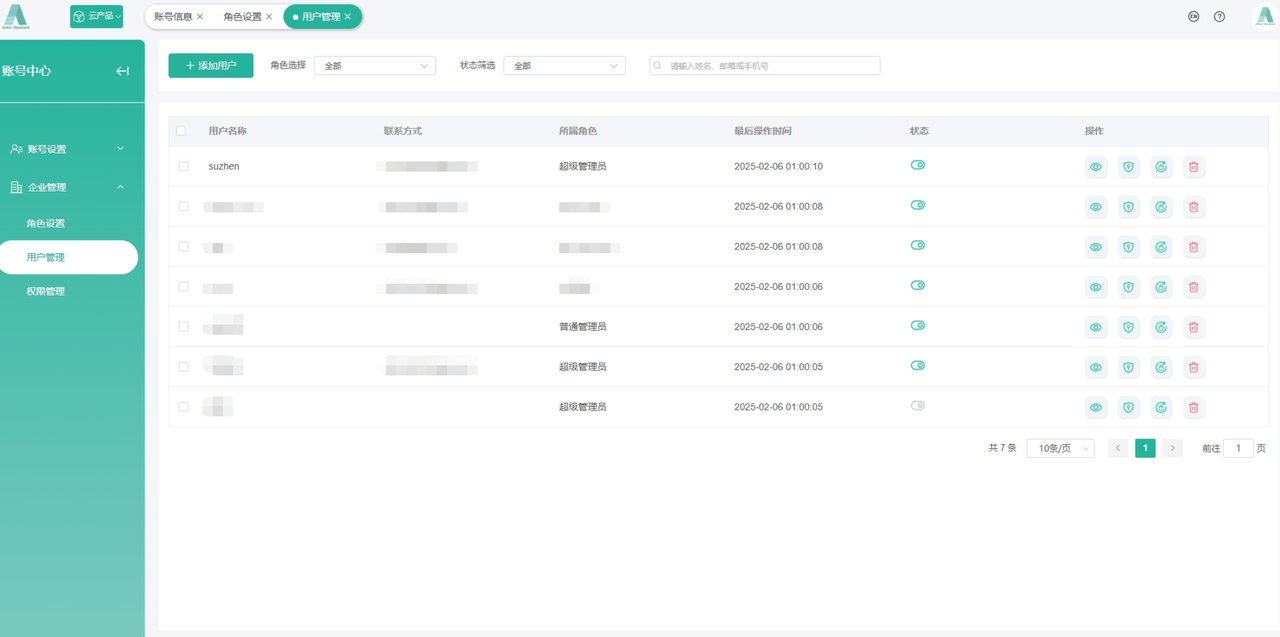
Assign role-based access to devices, recordings and other resources.
Devices, live imagery, playback and permissions connect an aviation operation.
Original system interfaces from the proposal. Actual functions, aircraft and integrations are confirmed per project.
One mission, from the field to the debrief
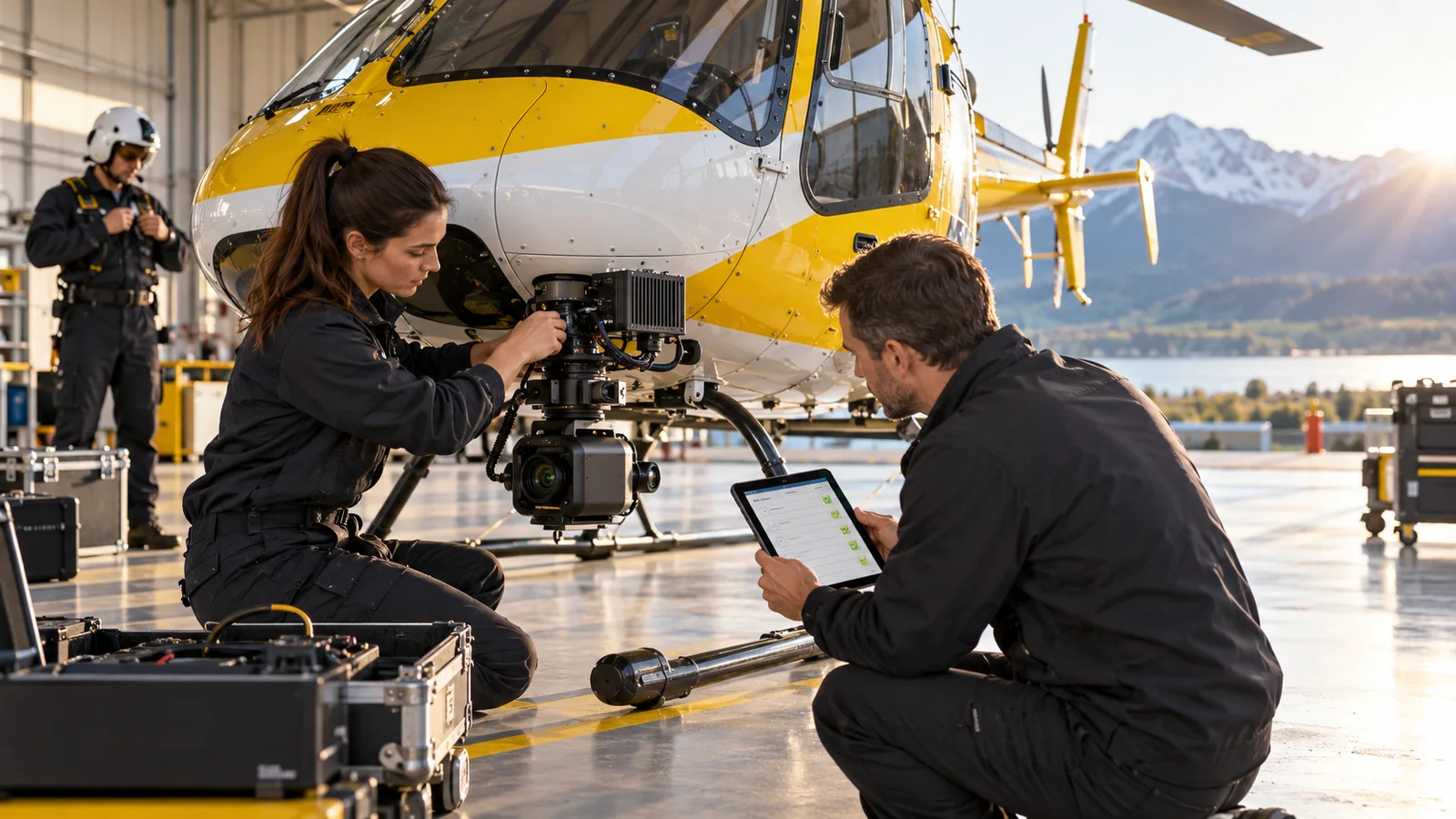
Validate aircraft, payloads, installation, links and functions per project. The system supports viewing and collaboration, not autonomous flight or safety-critical decisions.
01
Confirm objectives, viewing roles and available connectivity
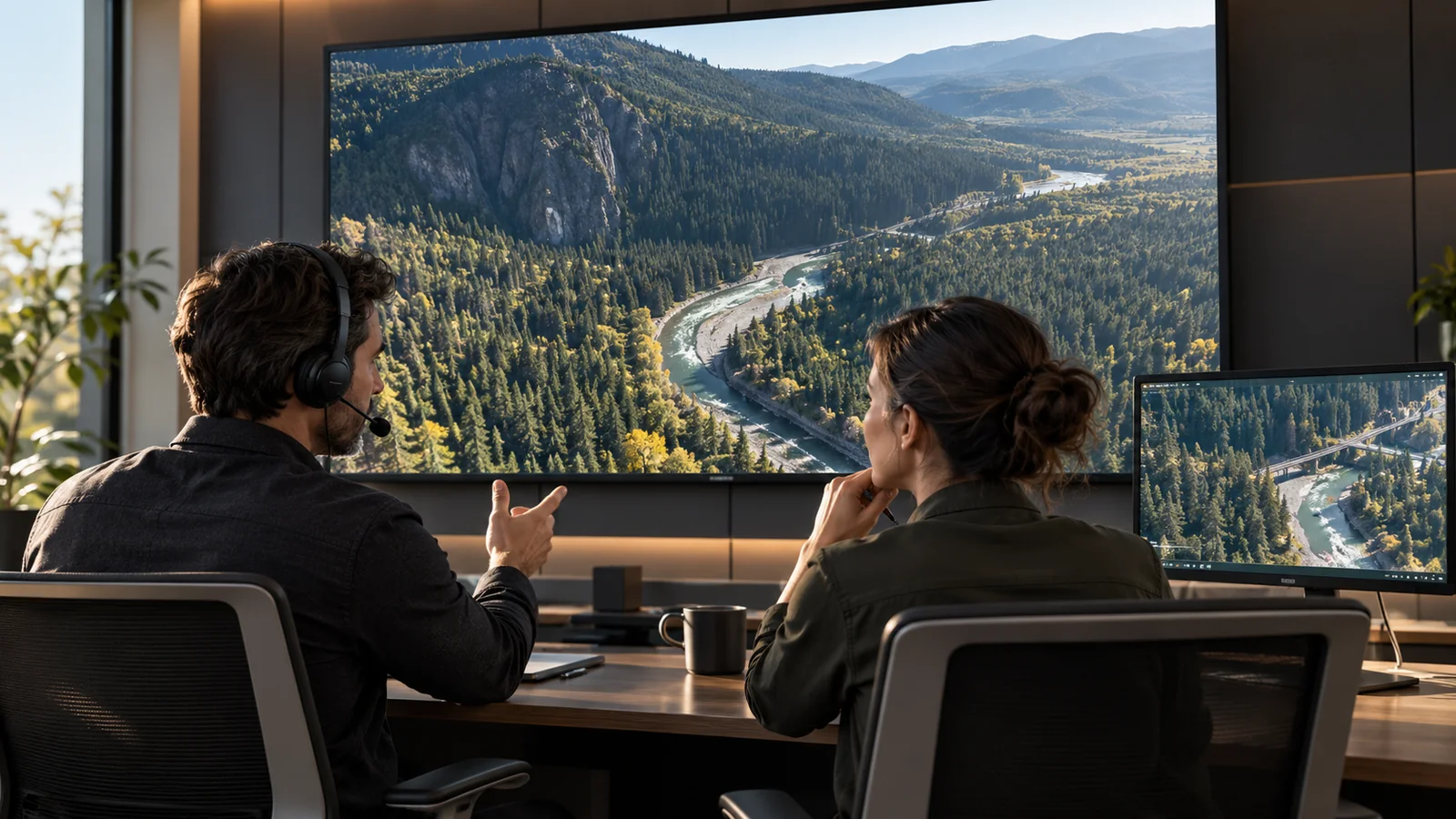
02
Ground teams view footage and location to discuss the same scene
03
Link footage, time, location and the mission
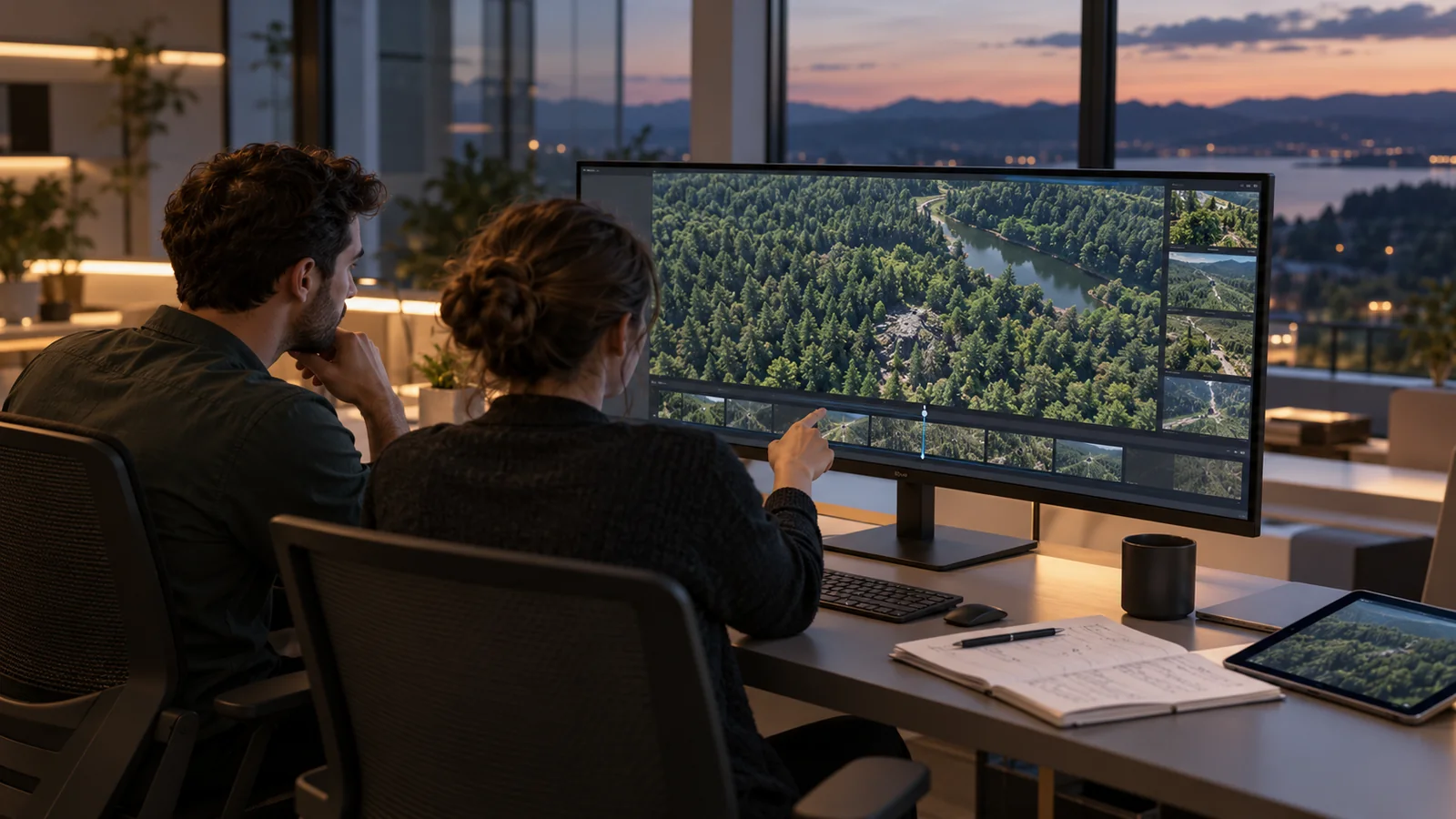
04
Replay key segments, verify leads and document improvements
Airborne capture and remote collaboration
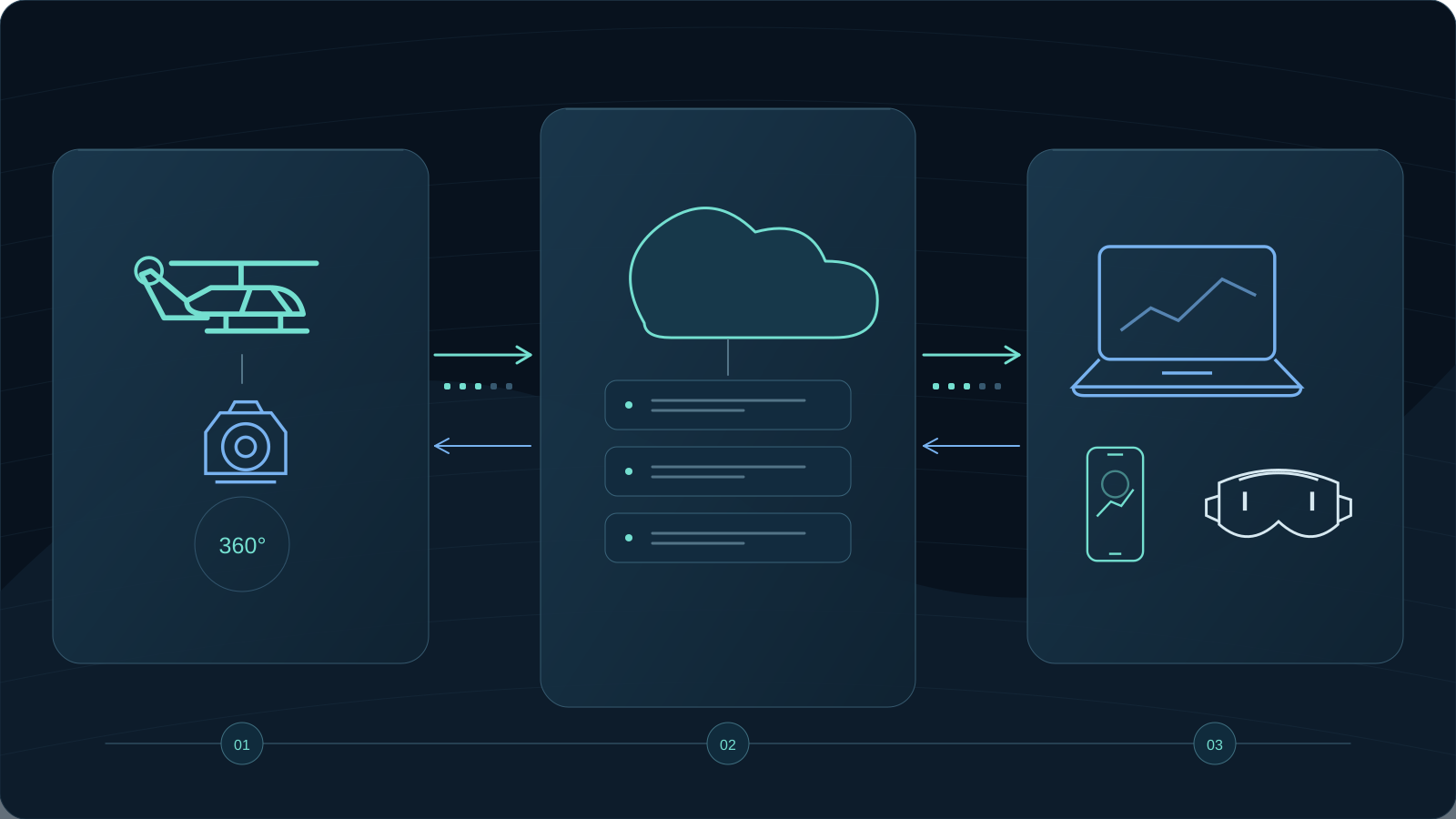
Connect airborne panoramas, multisensor gimbals, edge nodes and viewers. Crews and authorized personnel remain responsible for flight.
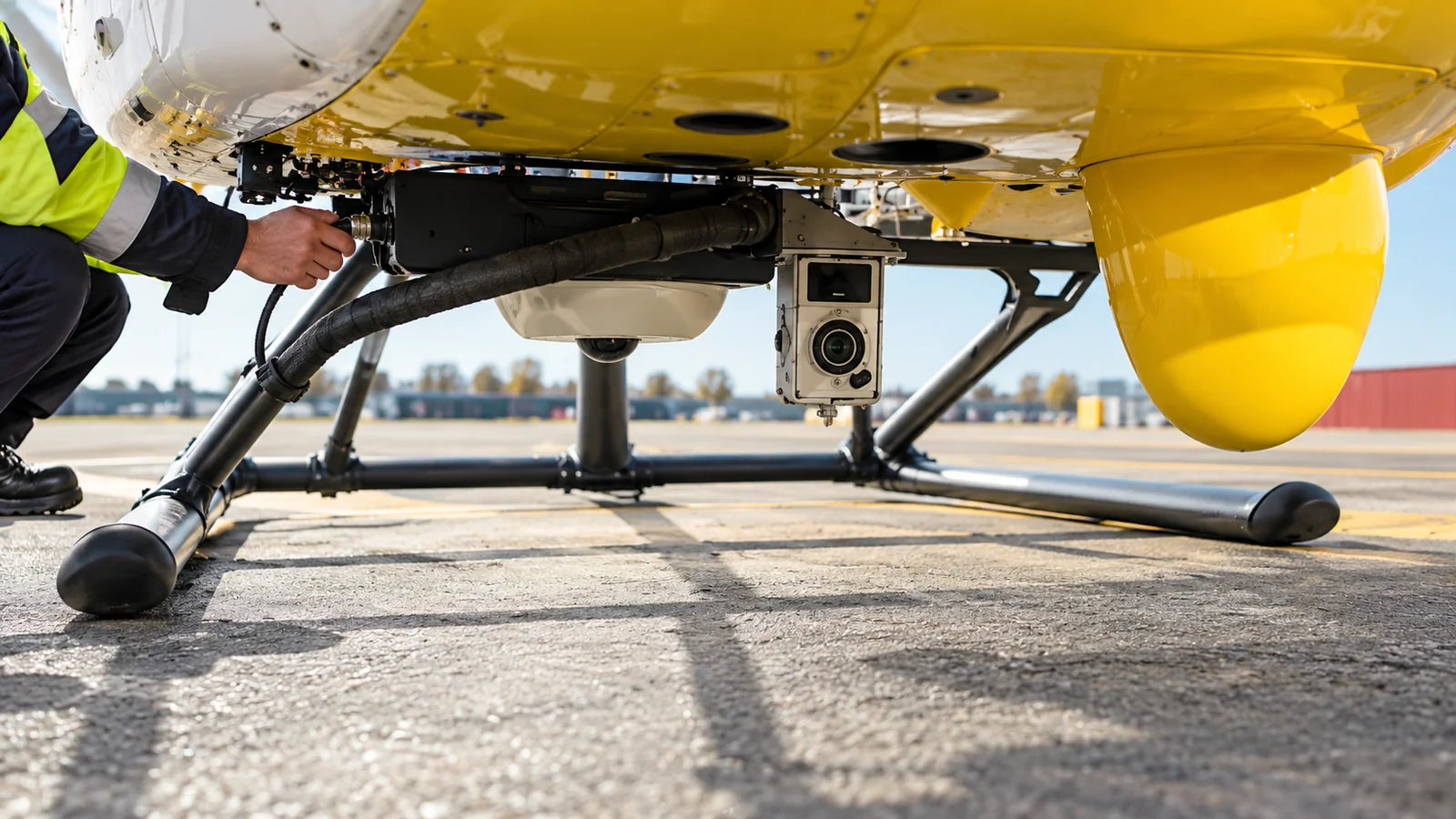
Authorized personnel check airspace, weather and equipment before panoramic capture.
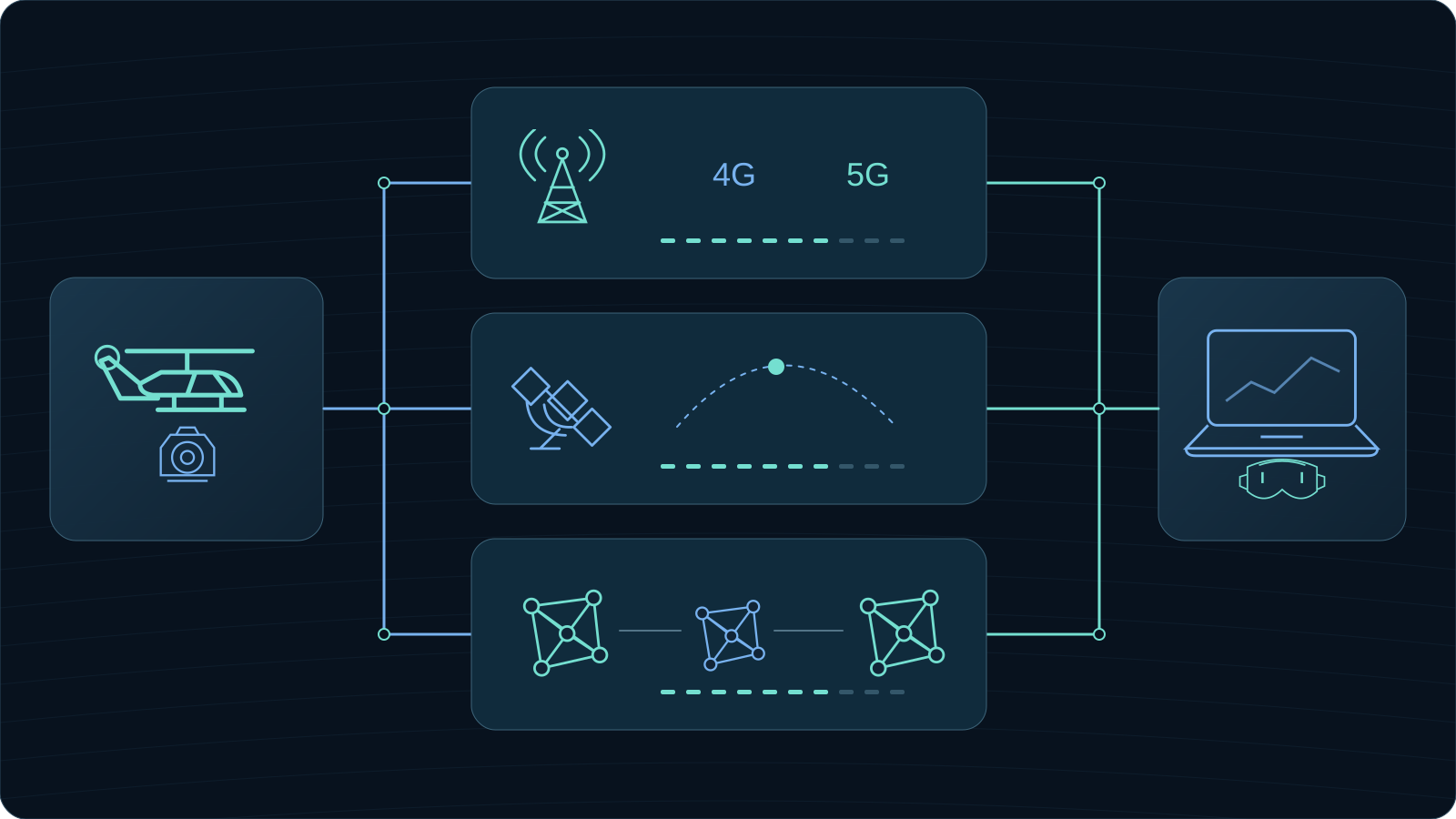
Adapt 4G/5G, satellite or ad hoc networks to site conditions, validating switching and transmission strategies.
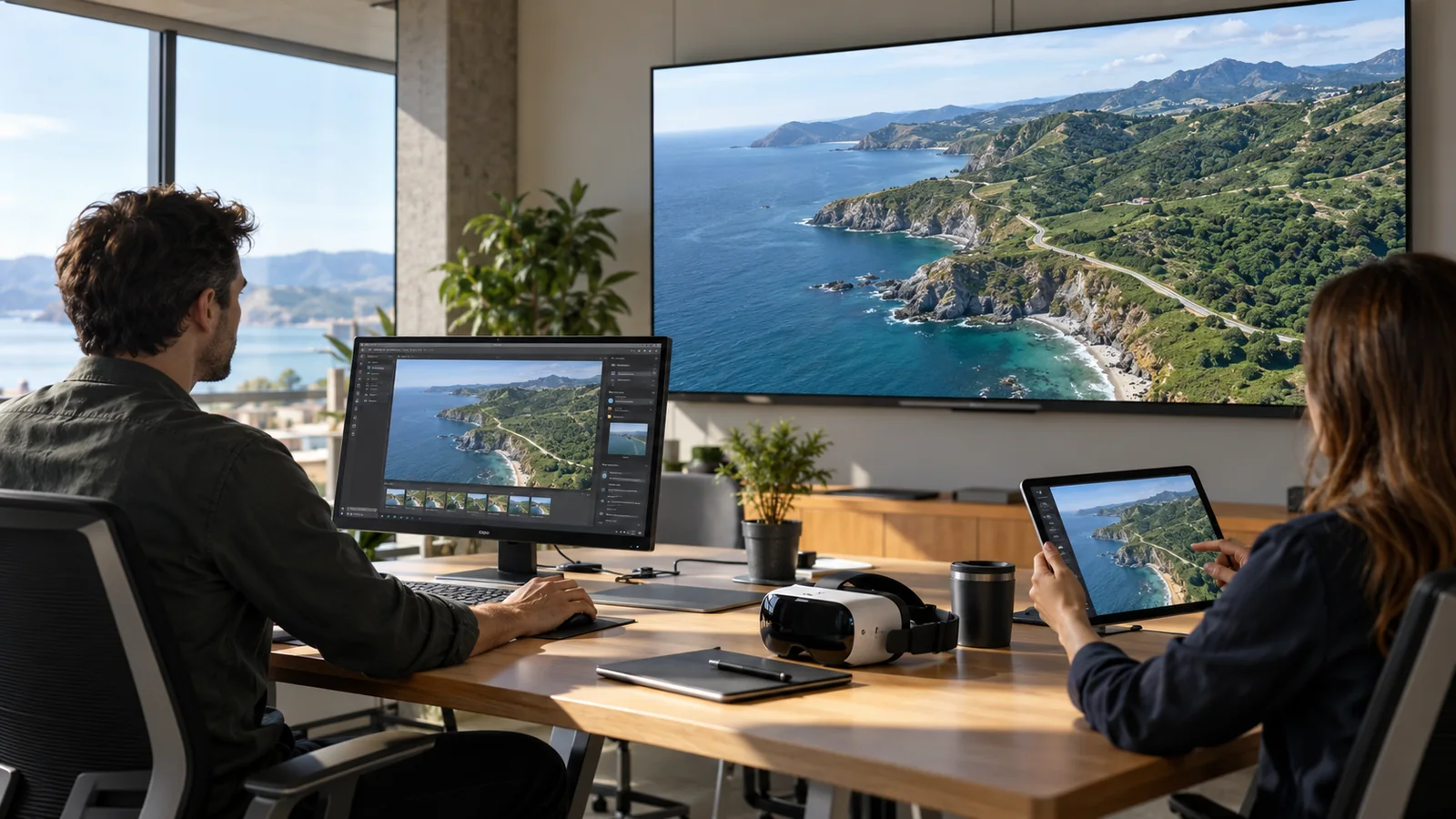
View together on computers, mobile devices, displays and optional XR endpoints, with defined control permissions.
Validate aircraft, payloads, installation, links and functions per project. The system supports viewing and collaboration, not autonomous flight or safety-critical decisions.
Application scenarios
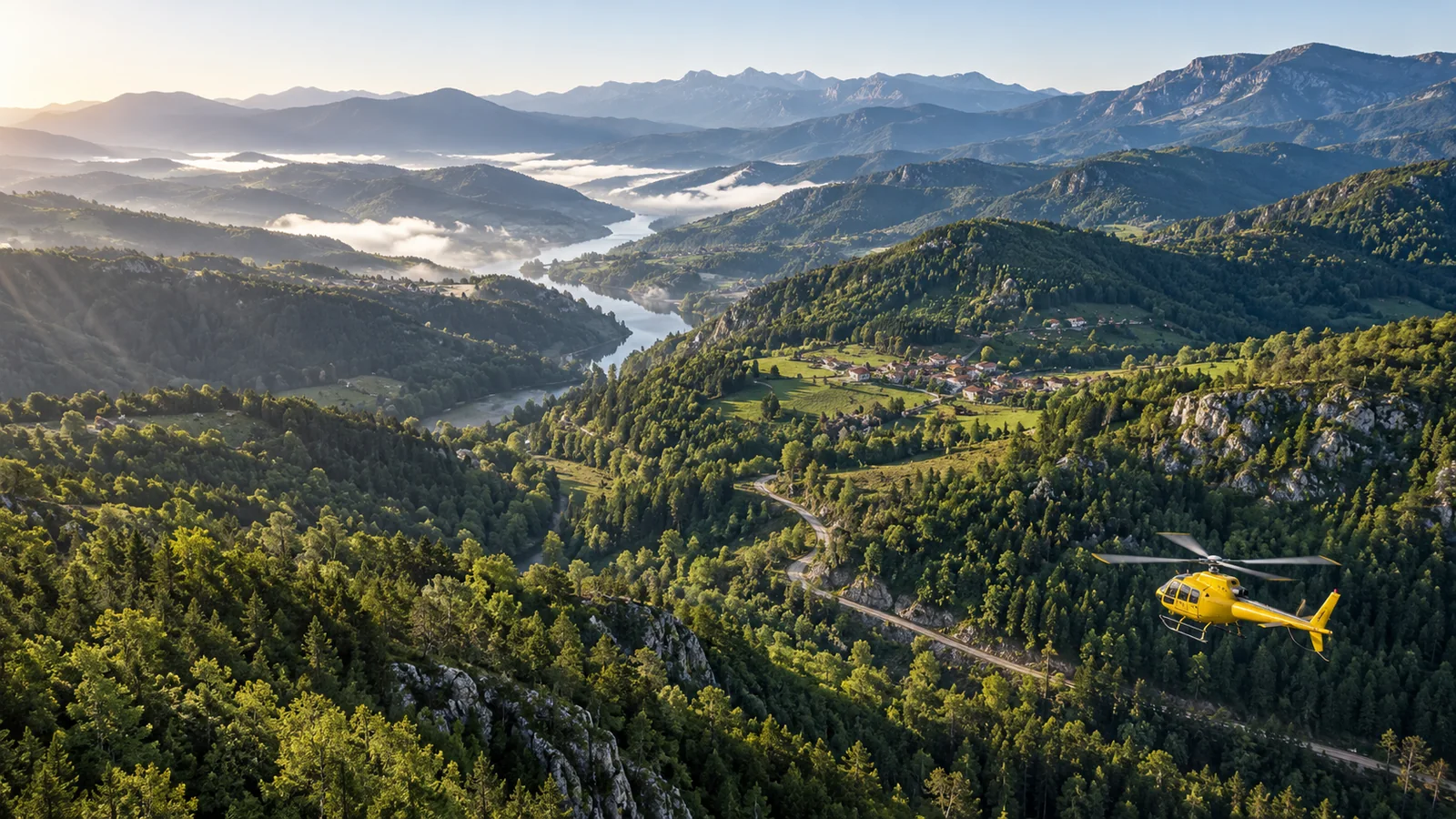
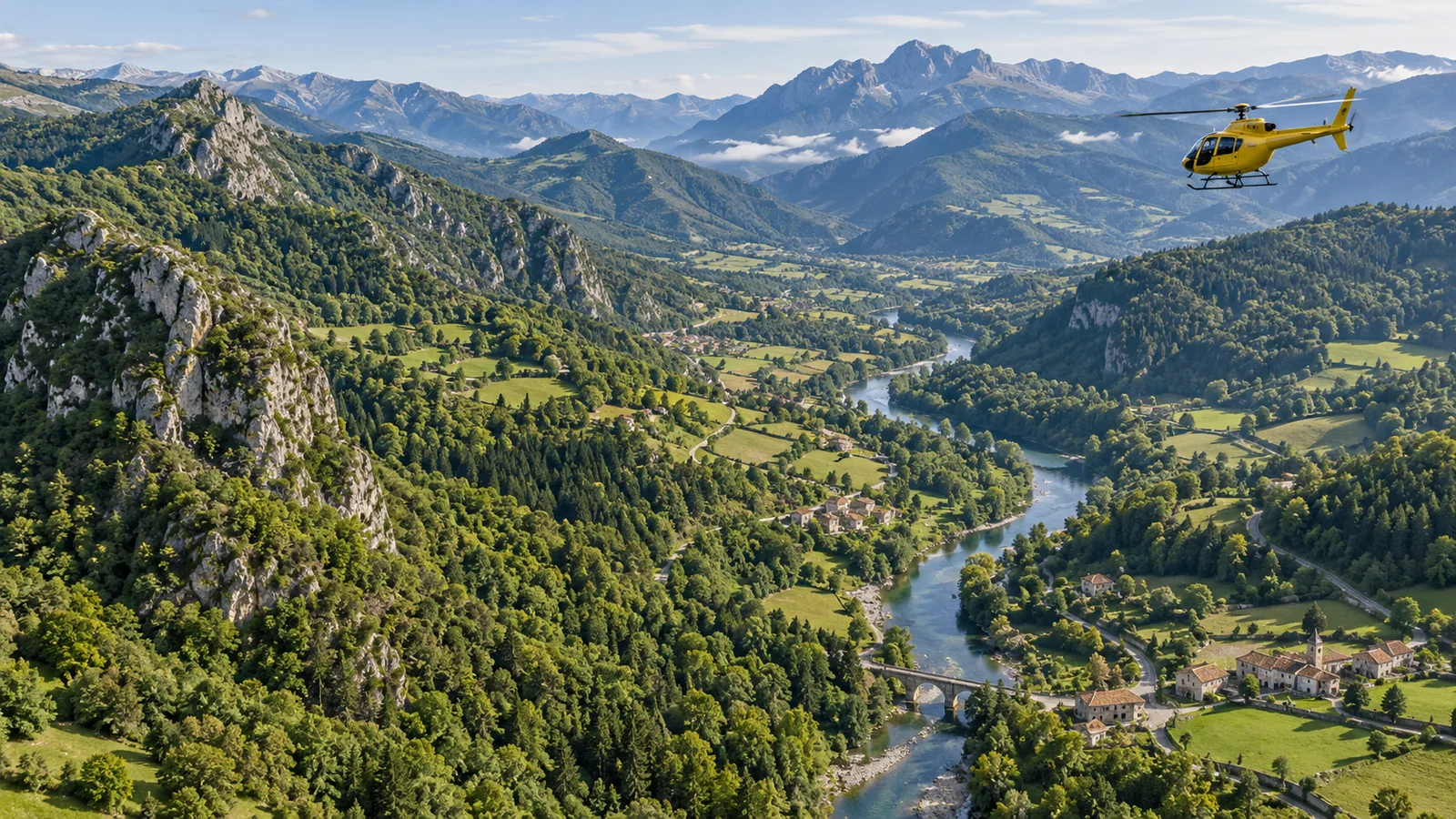
01 · Forest patrol Use panoramas, visible-light and thermal imagery to help assess forests and possible fire indicators.
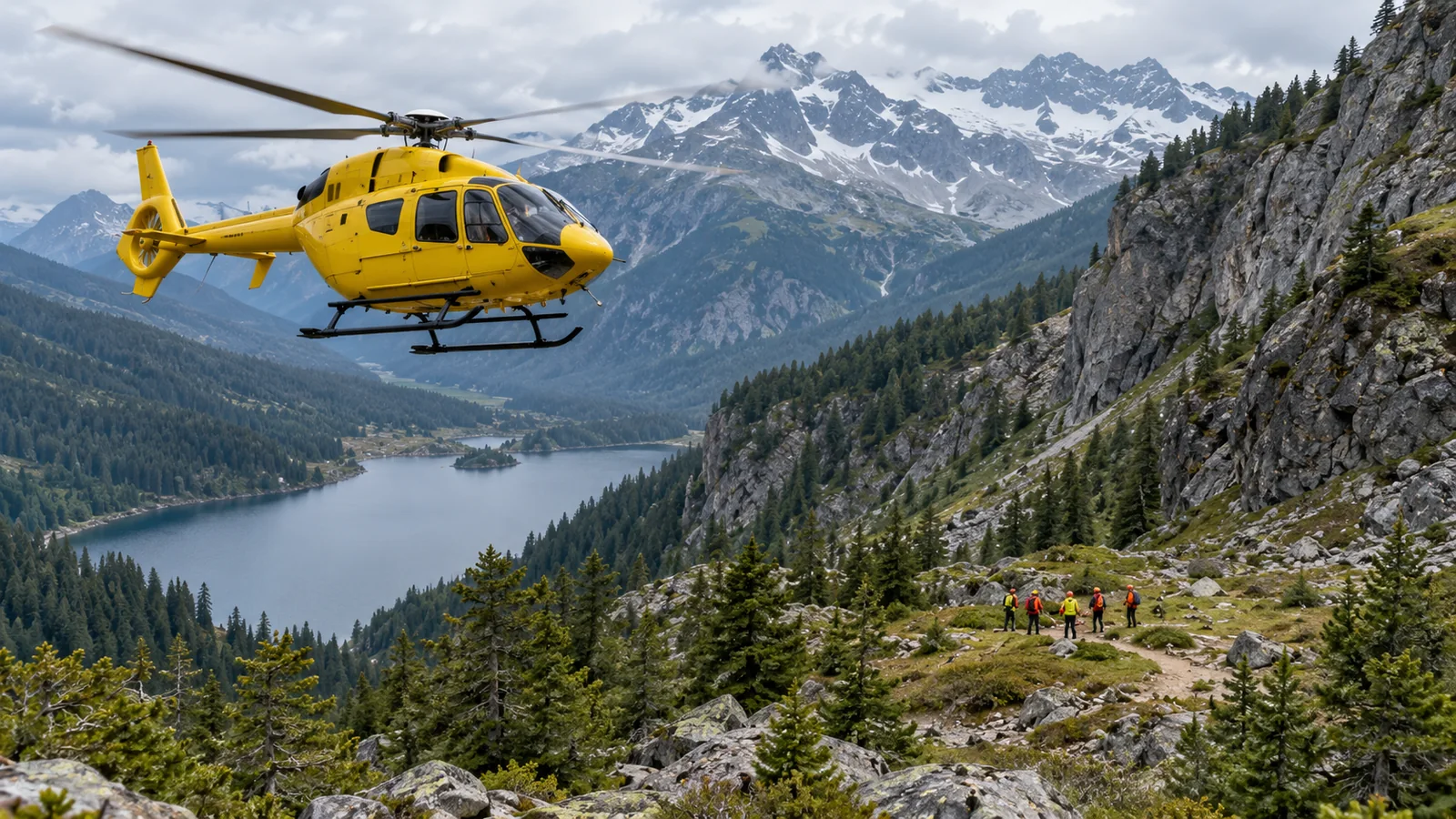
02 · Search and rescue support Share airborne imagery and clues for ground teams to assess and guide the response.
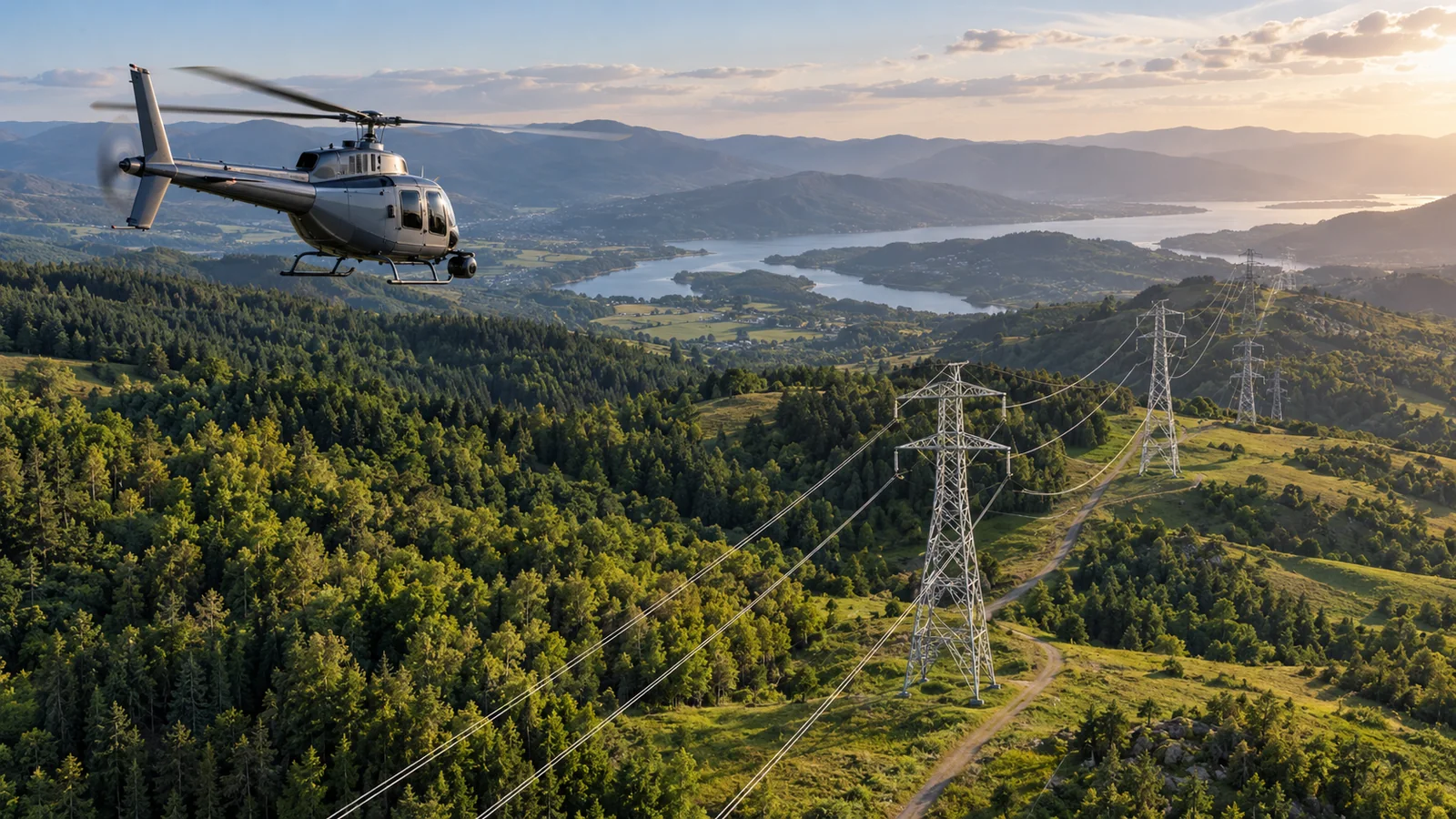
03 · Infrastructure inspection Inspect power lines, pipelines and other infrastructure from the air, retaining imagery for review.
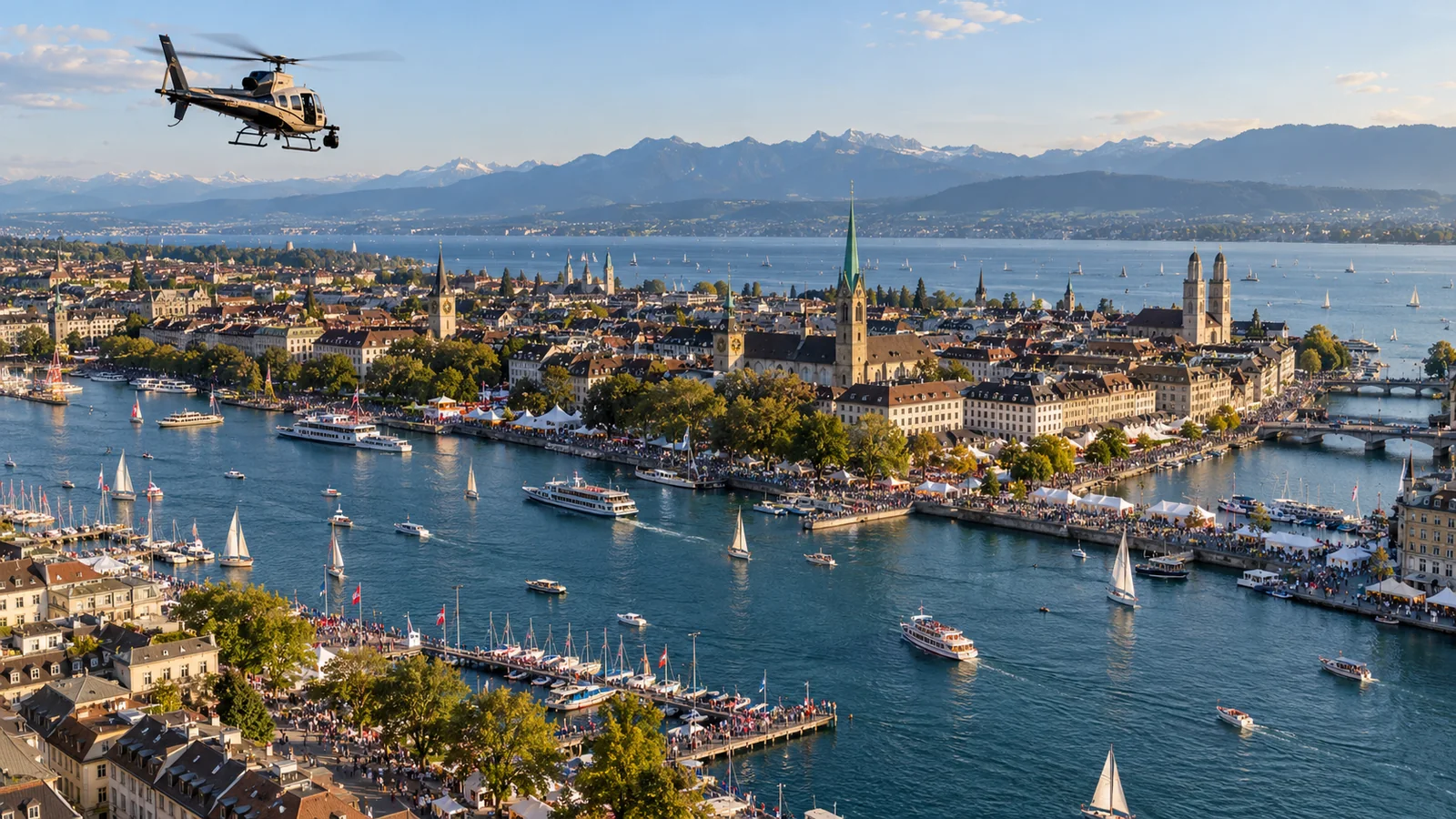
04 · Media production and reporting Provide aerial perspectives for events, documentaries and news coverage.
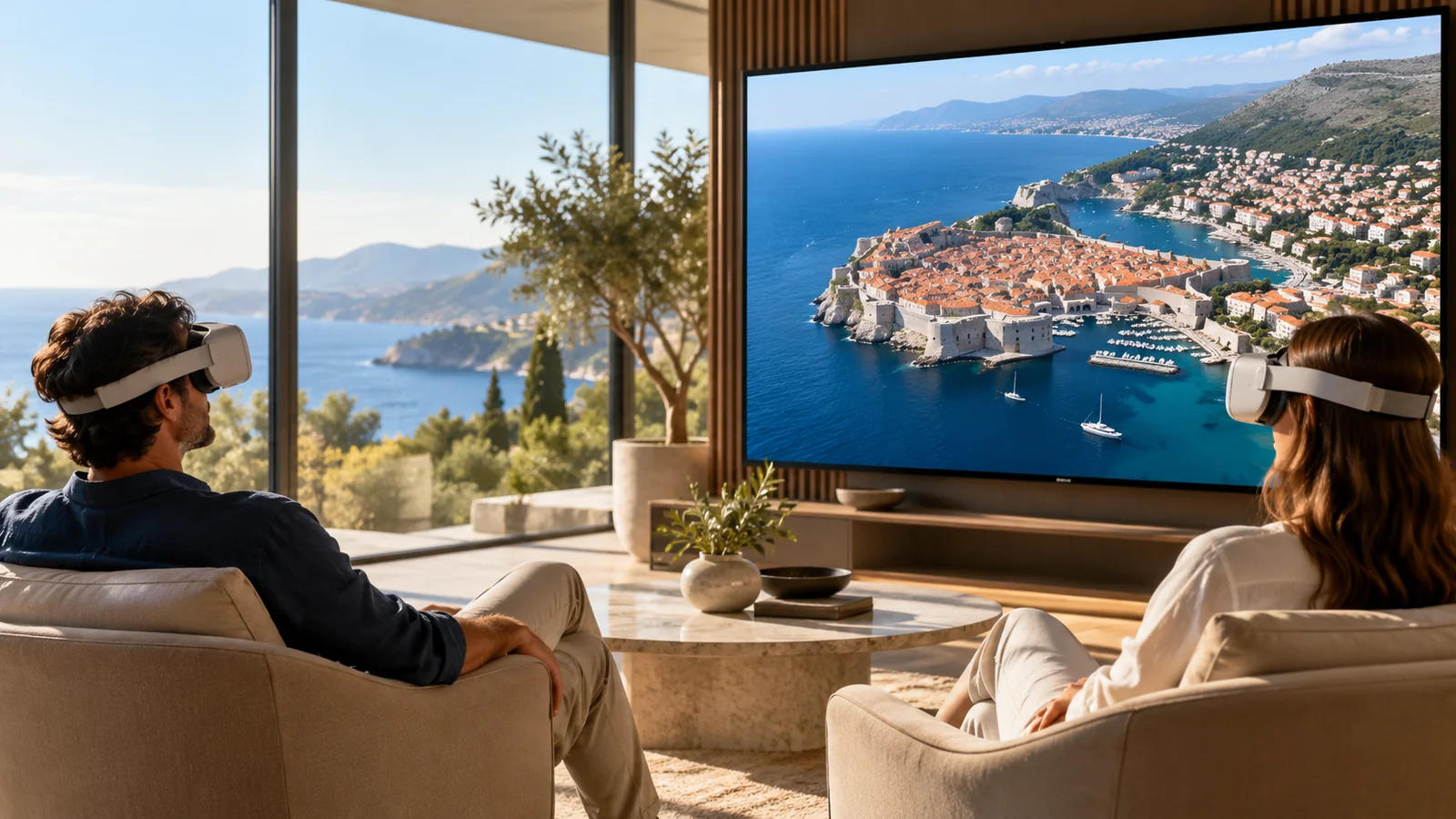
05 · Remote sightseeing Expand viewing with live panoramas, validating operating conditions for each scenario.
Start with a suitable operational scenario
FDE support from planning to operation
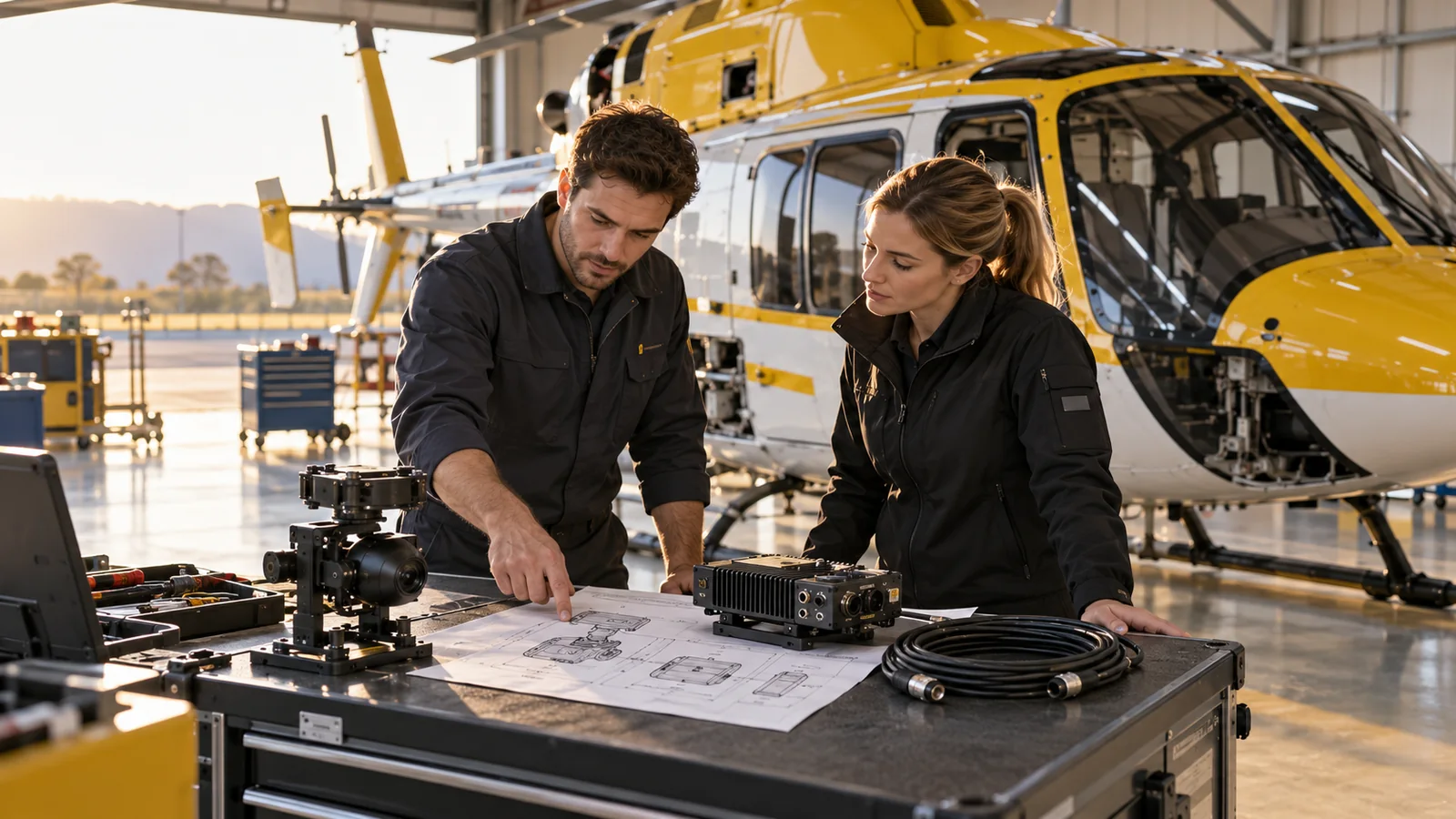
Confirm objectives, viewing roles and available connectivity
Configure capture, transmission, viewing and content systems.
Use real tasks to validate capture, transmission, viewing, playback and permissions.
Train crews, monitoring and maintenance staff by role, with clear exception handling.
Replay key segments, verify leads and document improvements
Connect airborne panoramas, multisensor gimbals, edge nodes and viewers. Crews and authorized personnel remain responsible for flight.
Spanish project
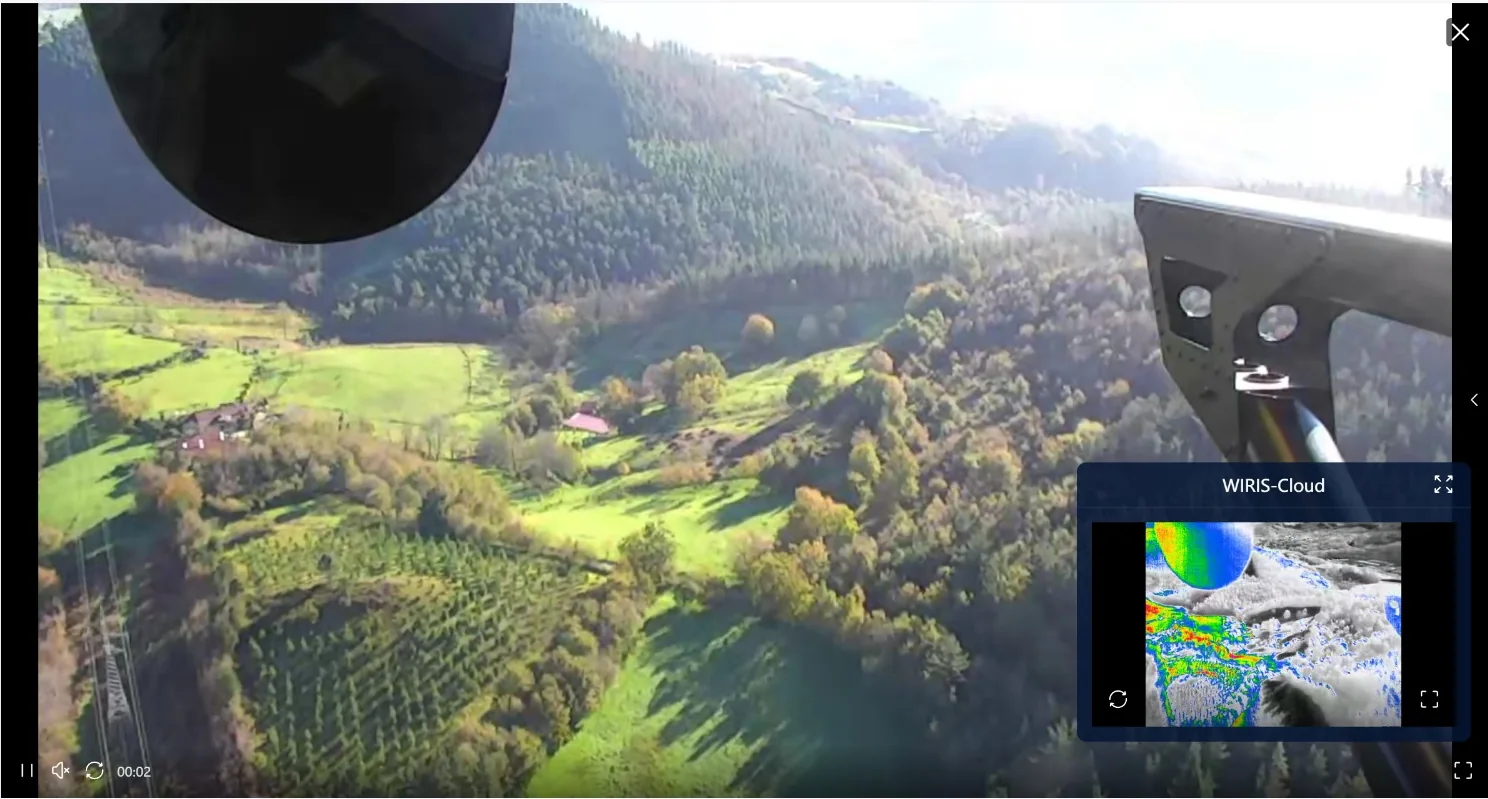
The 2025 proposal describes panoramic real-time audiovisual services for 16 helicopters of a Spanish operator, supporting forest inspection and emergency response.
Airborne capture
Multi-endpoint collaboration
Operational recording
Based on the February 2025 proposal. Sixteen helicopters describes its service scope, not the current active fleet. No response-time improvement percentage was provided.
Configuration follows the mission
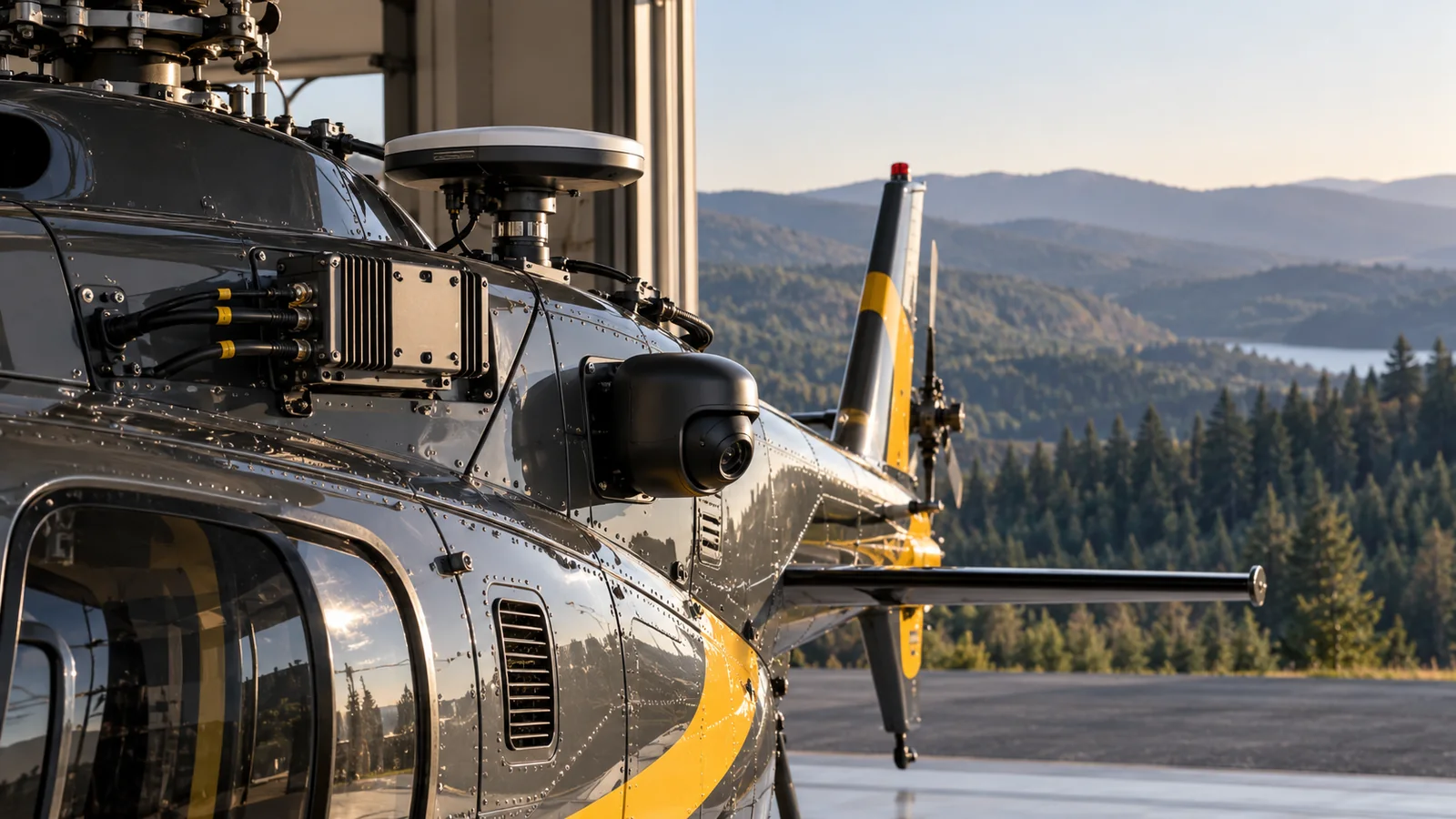
Proposal equipment
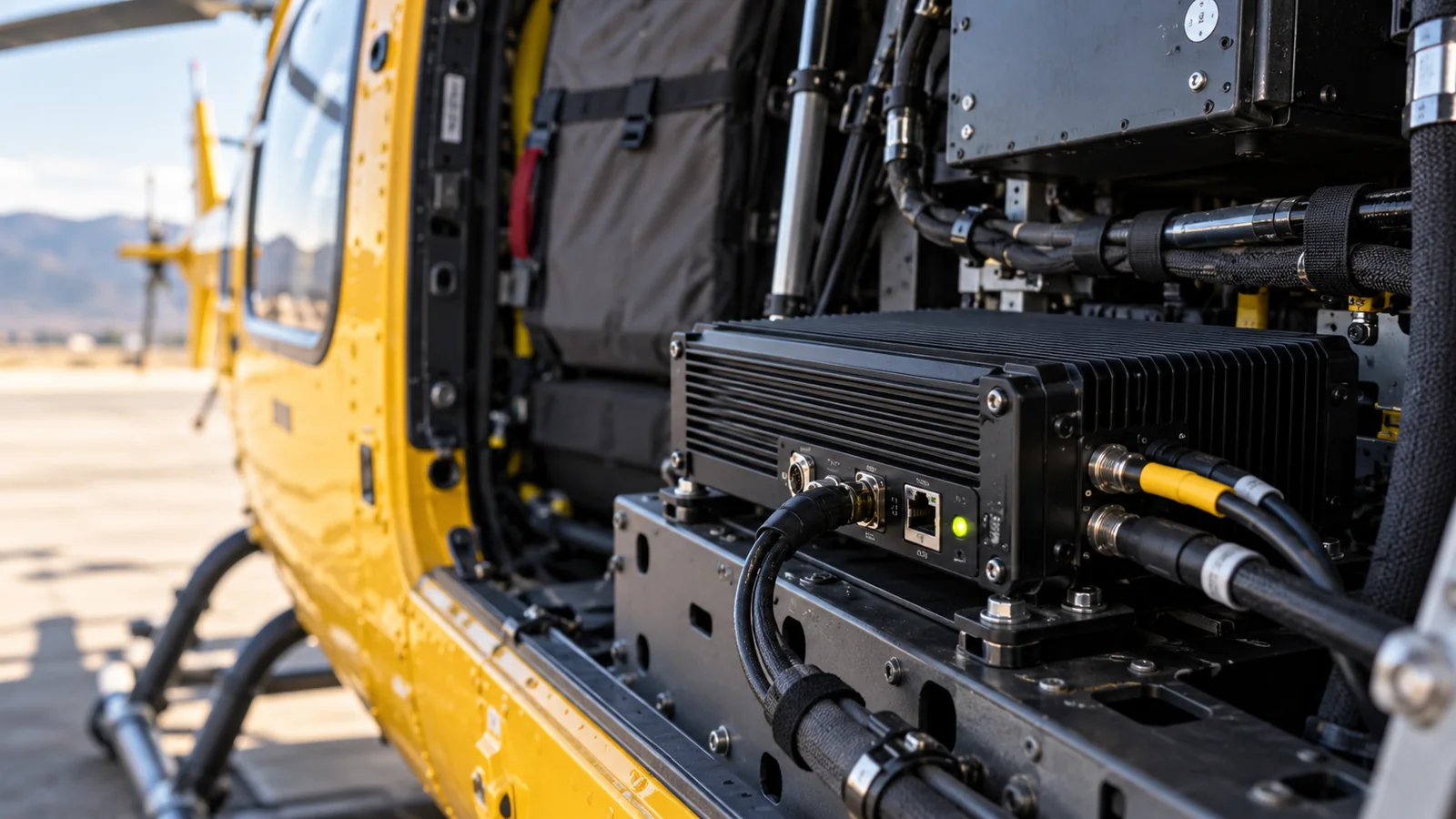
Combine panoramic cameras, multisensor gimbals and edge capture/encoding nodes to suit the aircraft and installation.
Connect cloud video services to computers, mobile devices, displays and optional XR viewers; validate links and permissions per project.
The original proposal’s equipment image illustrates configuration and integration, not additional delivery evidence for the 16-helicopter customer.
Technology foundation
Panoramic capture, network adaptation and gimbal linkage help remote teams see both context and detail.
Airborne capture↔Hybrid networking↔Multi-endpoint collaboration
Hybrid networking
Adapt 4G/5G, satellite or ad hoc networks to site conditions, validating switching and transmission strategies.
150kbps is based on 480P and x265. The proposal states tolerance up to 30% packet loss, subject to link validation; it does not imply 8K quality at that bitrate.
Parameters come from the original proposal and apply separately. Validate aircraft, network and site conditions; no universal SLA is implied.
Airborne capture→Multi-endpoint collaboration→Ground team
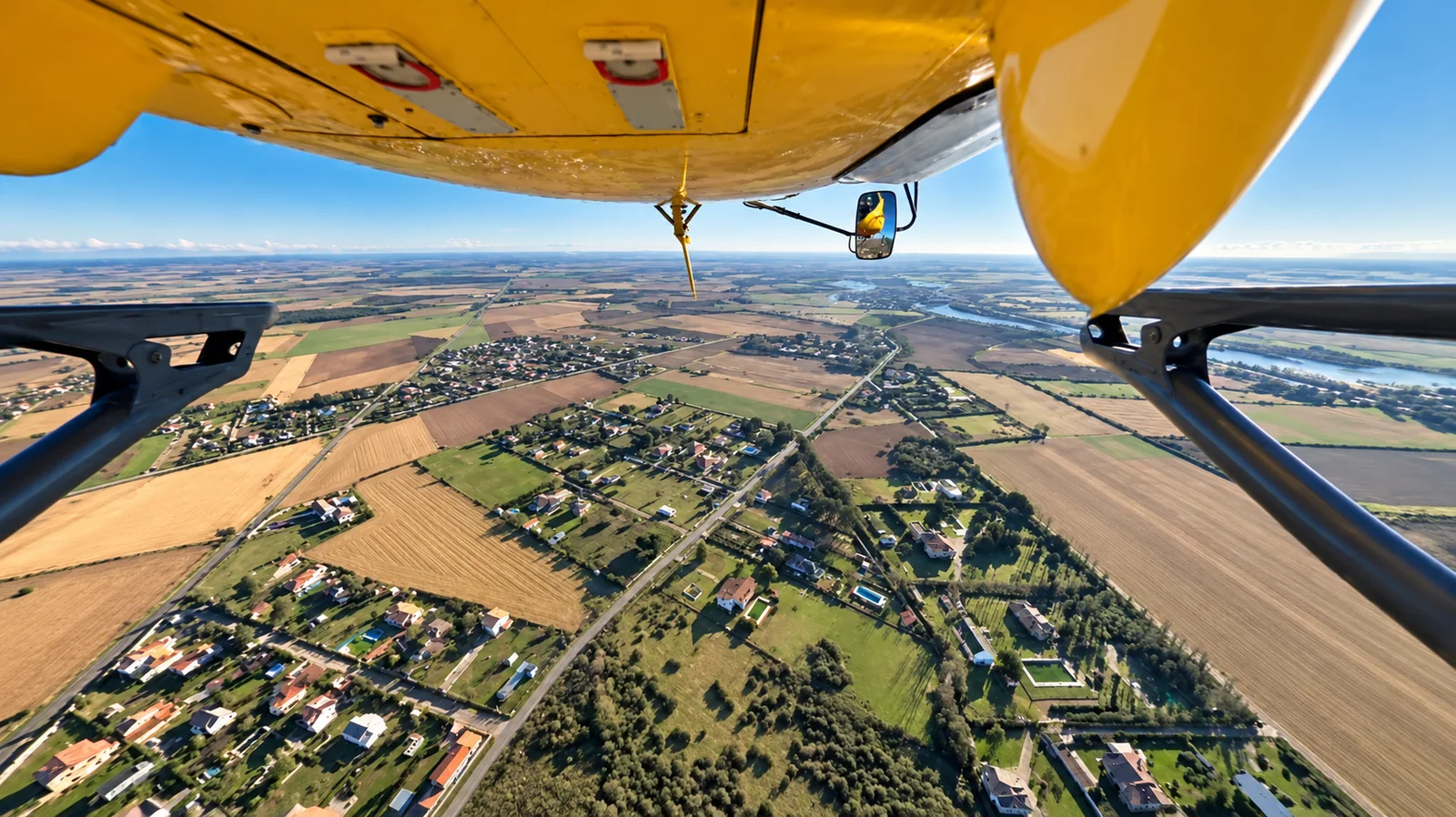
Airborne capture
The proposal supports 4K/8K panoramas and multiple viewing endpoints. Validate resolution, latency and concurrency separately. The proposal describes field transmission latency below one second. This is a proposal reference; validate aircraft, links and viewers together, not a latency guarantee under all conditions.
Panoramic perspective↔Panorama–gimbal linkage↔Mission debrief
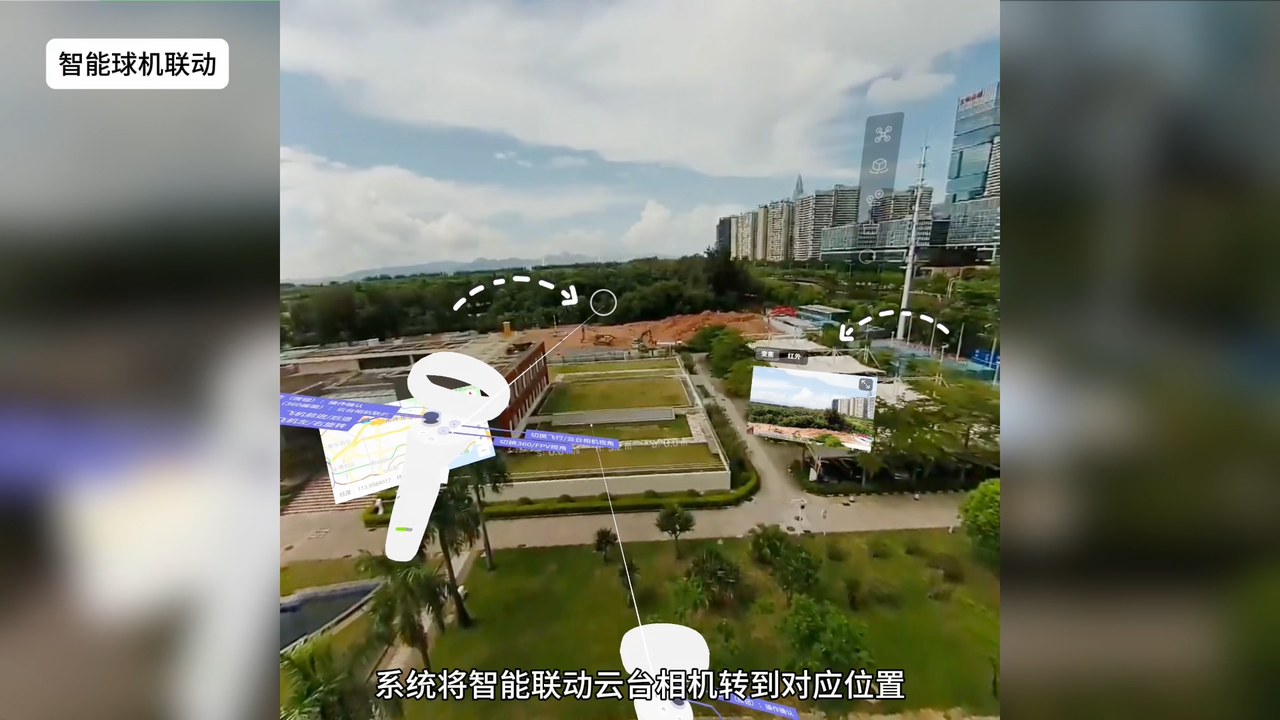
Panorama–gimbal linkage
Select a region in the panorama to direct a gimbal view. Confirm control methods through equipment integration.
Parameters come from the original proposal and apply separately. Validate aircraft, network and site conditions; no universal SLA is implied.

Value assessment
Capture once, share widely
360°Ground teams combine live footage and location to understand the view from the air2025 proposal reference; validate per project.
Outcome validation
Validate using task records and user feedback.Make each mission a source of evidence
Validate aircraft, payloads, installation, links and functions per project. The system supports viewing and collaboration, not autonomous flight or safety-critical decisions.
Command team
Limited view
Ground teams view footage and location to discuss the same scene
Flight crew
Repeated flights
One capture covers multiple angles for review by different teams.
Operator
Fragmented data
Replay key segments, verify leads and document improvements
The case provides no universal improvement rate. Validate outcomes against real tasks.
Airborne capture
As neededAuthorized personnel check airspace, weather and equipment before panoramic capture.
Multi-endpoint collaboration
Per projectView together on computers, mobile devices, displays and optional XR endpoints, with defined control permissions.
Custom
AI detection, tracking and AR overlays require feasibility assessment and may incur customization fees. Personnel review results; these functions do not replace flight-safety decisions.
Validate aircraft, payloads, installation, links and functions per project. The system supports viewing and collaboration, not autonomous flight or safety-critical decisions.
Aviation
Share your scenario and goals, and define the first step together
Based on the company's February 2025 proposal. Case images and system screenshots are original materials; other scenes may be AI illustrations. Performance conditions apply separately. AI/AR extensions require assessment and do not replace flight-safety decisions.